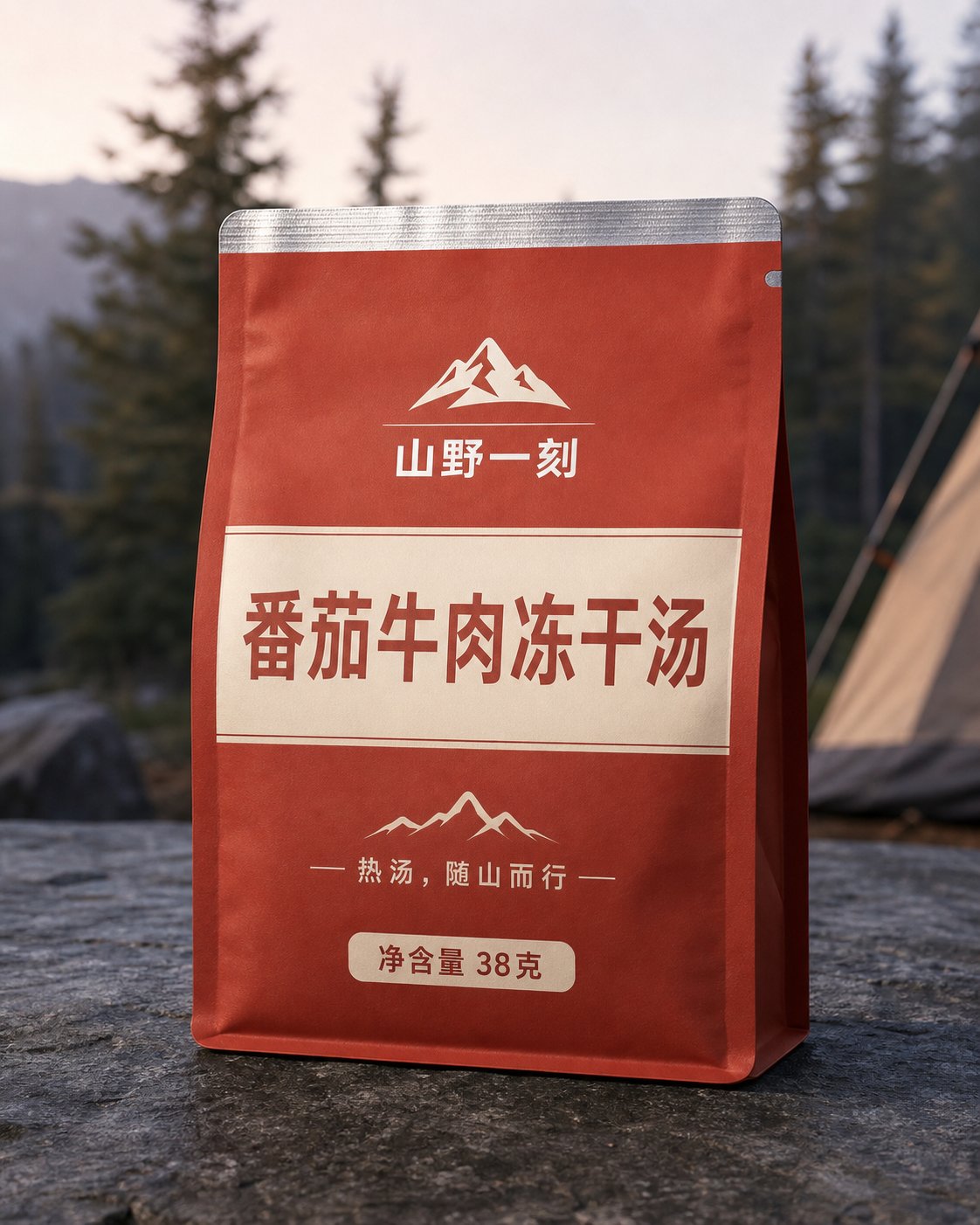
Model: GPT Image 2Copyable prompt
Build a freeze-dried soup product set from pack front to serving scene
A consistent food-packaging set covering the front, back label, tear-notch material detail, and prepared soup.
From Daily prompts
Browse product images, posters, portraits, packaging, and spaces. Look around for ideas or search for a specific visual; every work includes its full prompt.
Search products, posters, portraits, packaging, spaces, styles, or models, or simply browse.
224 prompts
A consistent food-packaging set covering the front, back label, tear-notch material detail, and prepared soup.
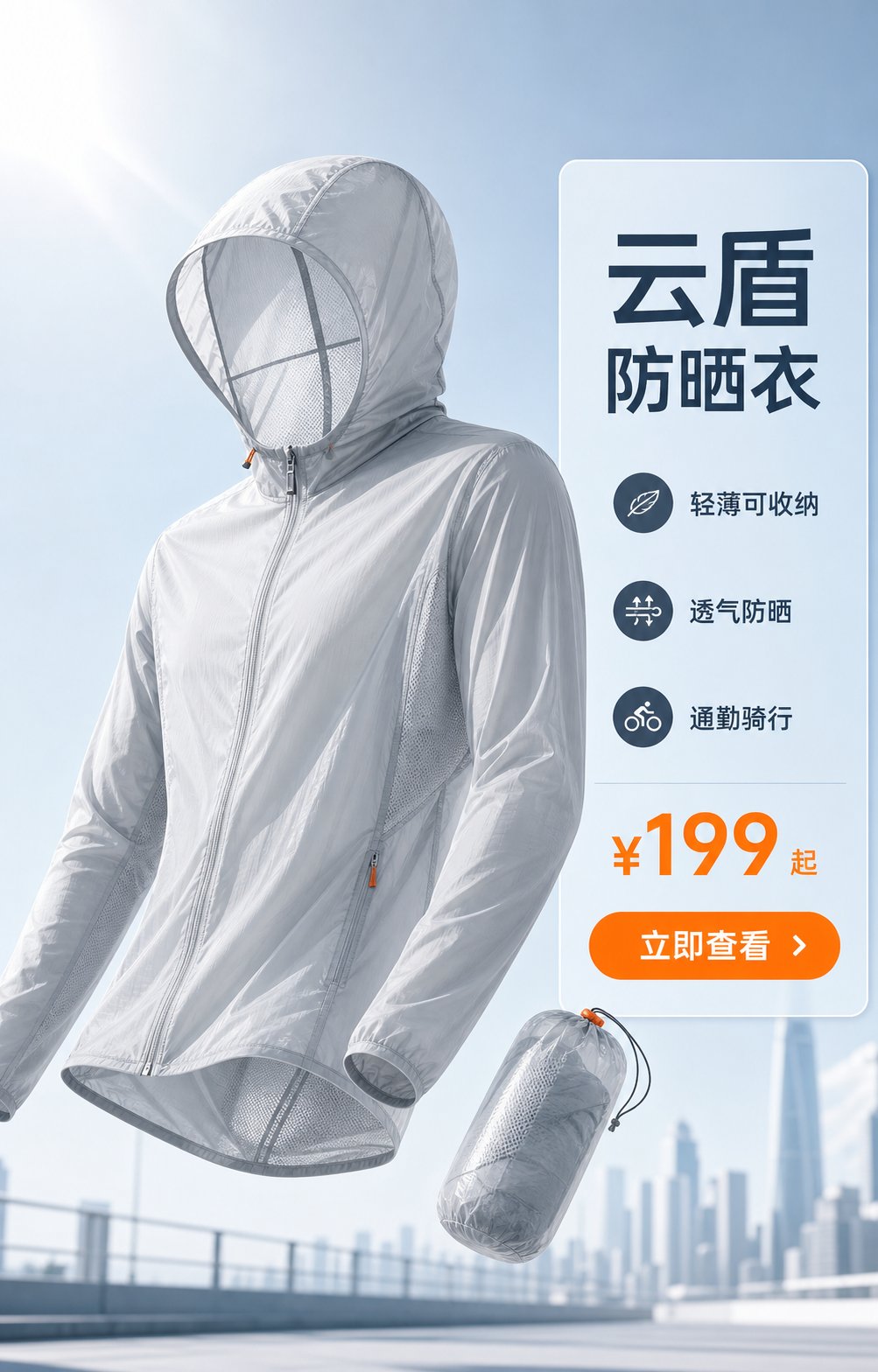
A four-image commerce set using one consistent product to cover form, features, commuting, and packability.
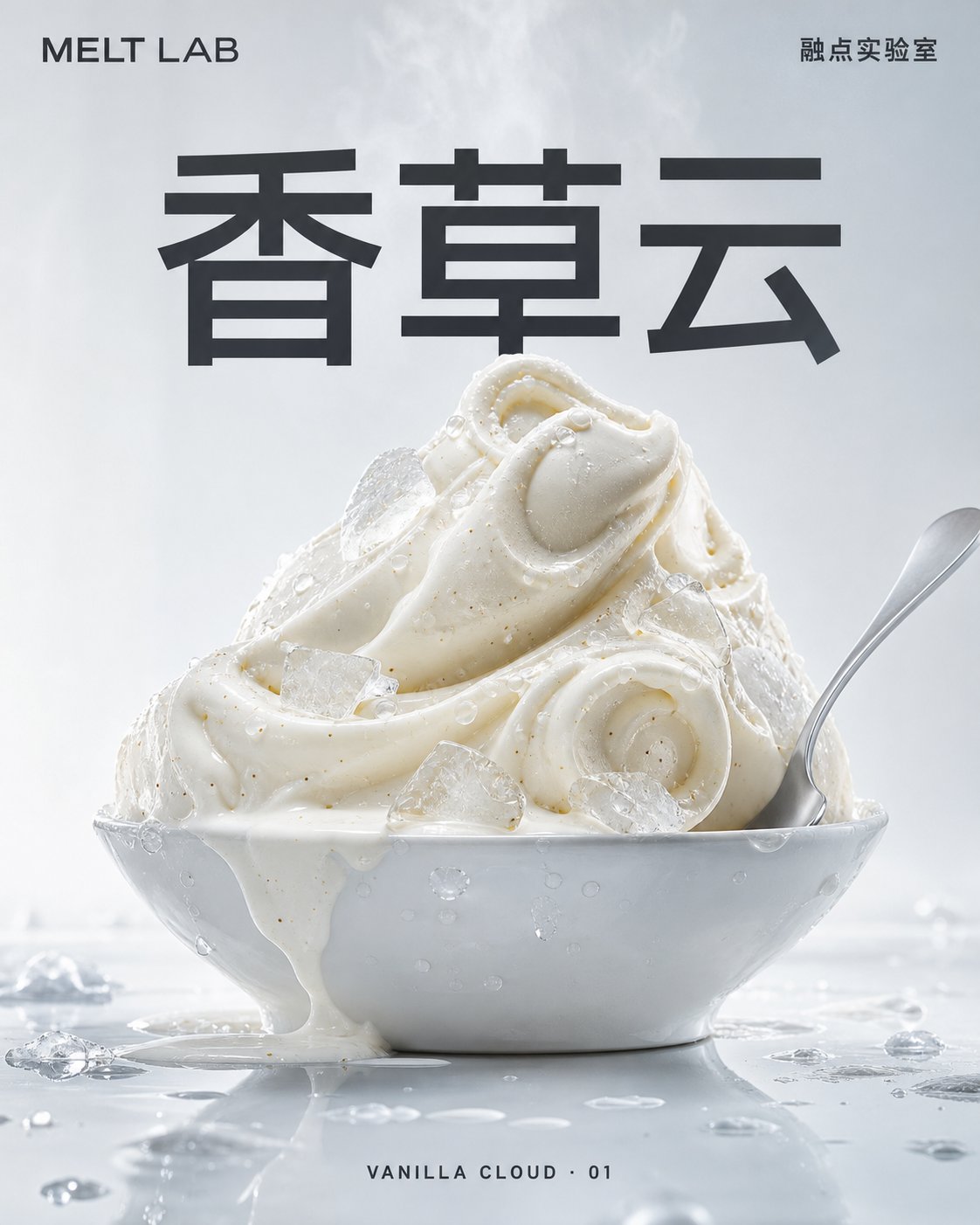
Food and drink campaign posters built from melting textures, bubbles, crushed ice, and condensation.
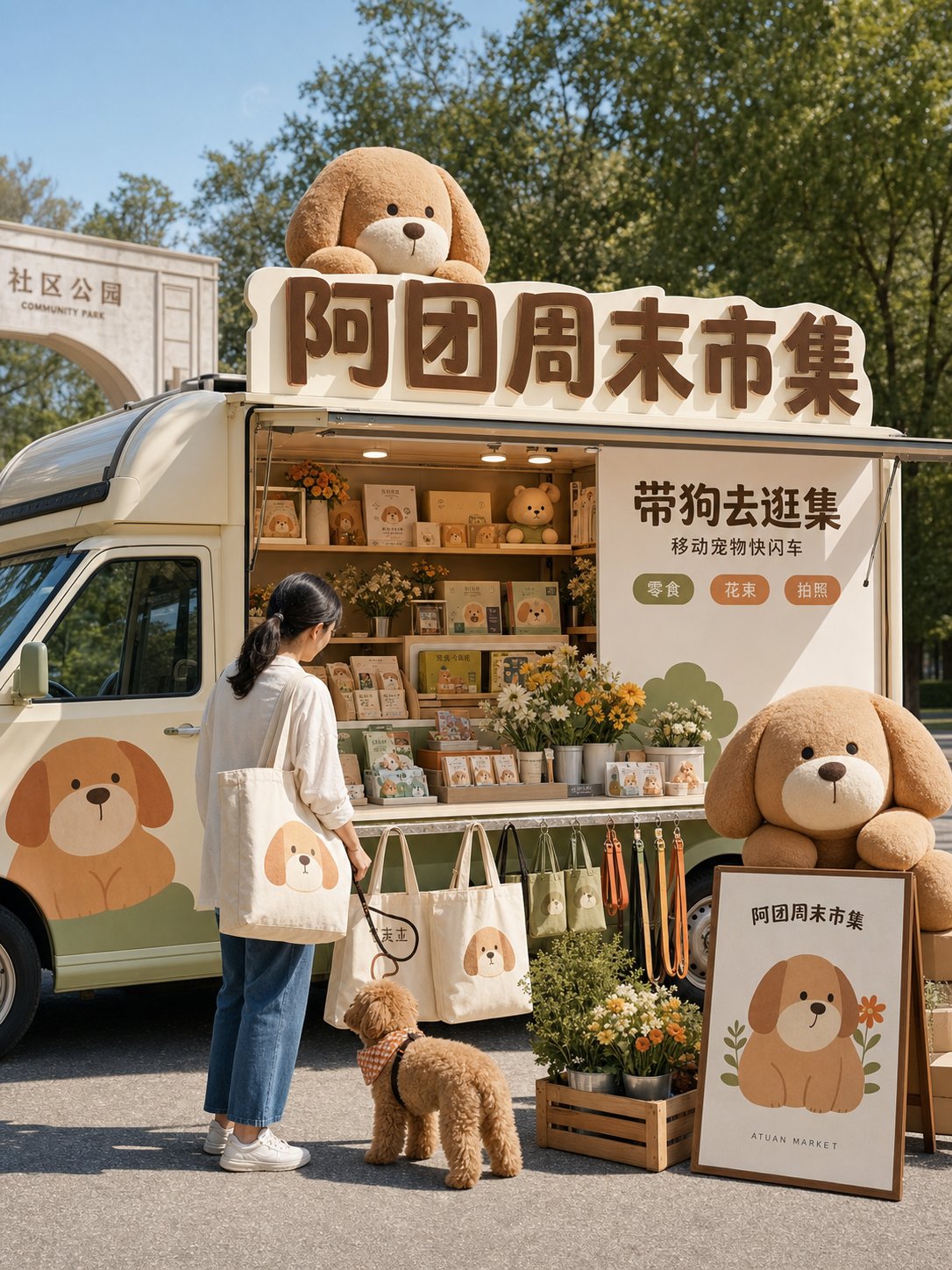
An original character expands across a mobile shop, packaging, interactive installations, and a social event scene.
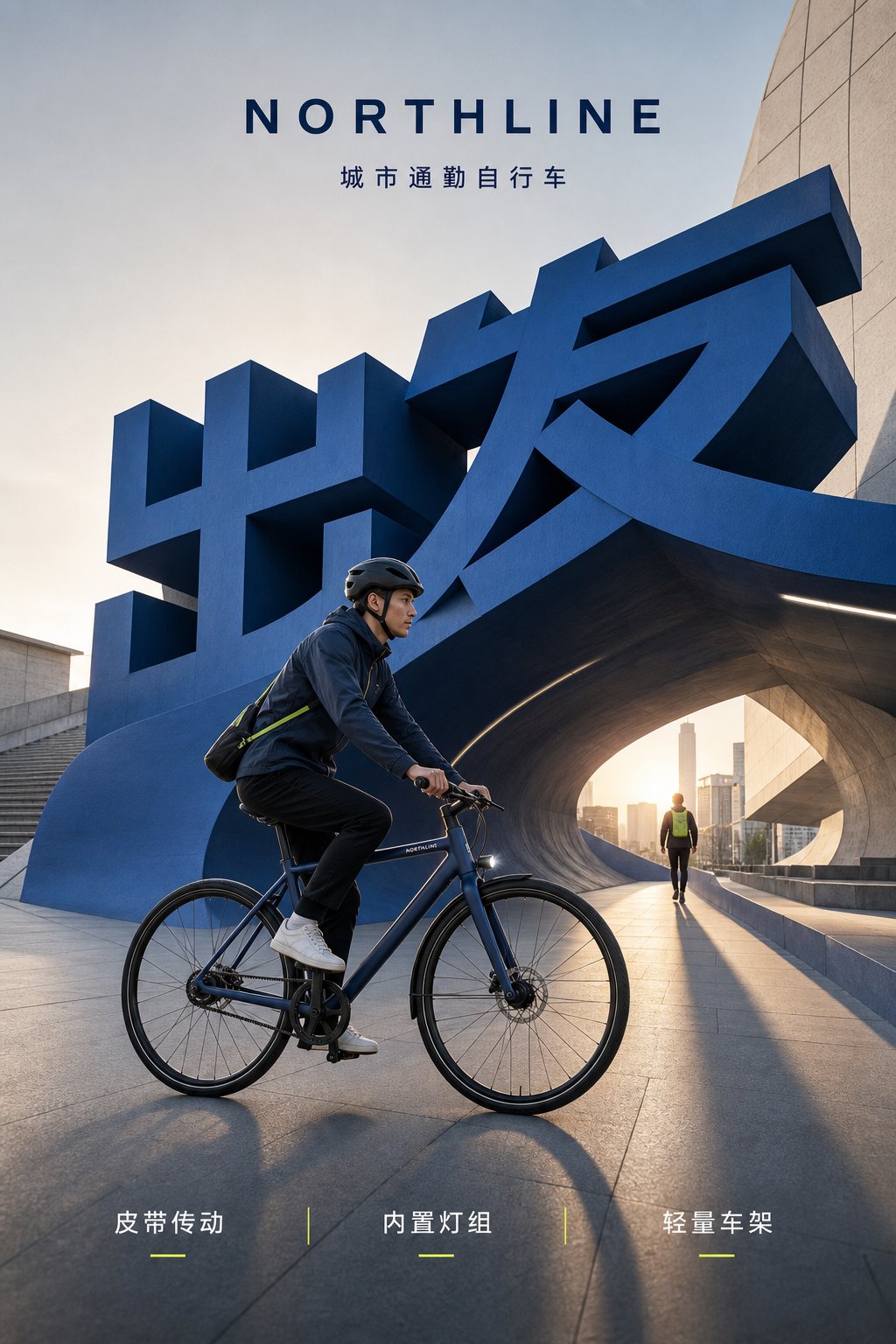
A mobility campaign moving from daily commuting and storage to night visibility and weekend escape.
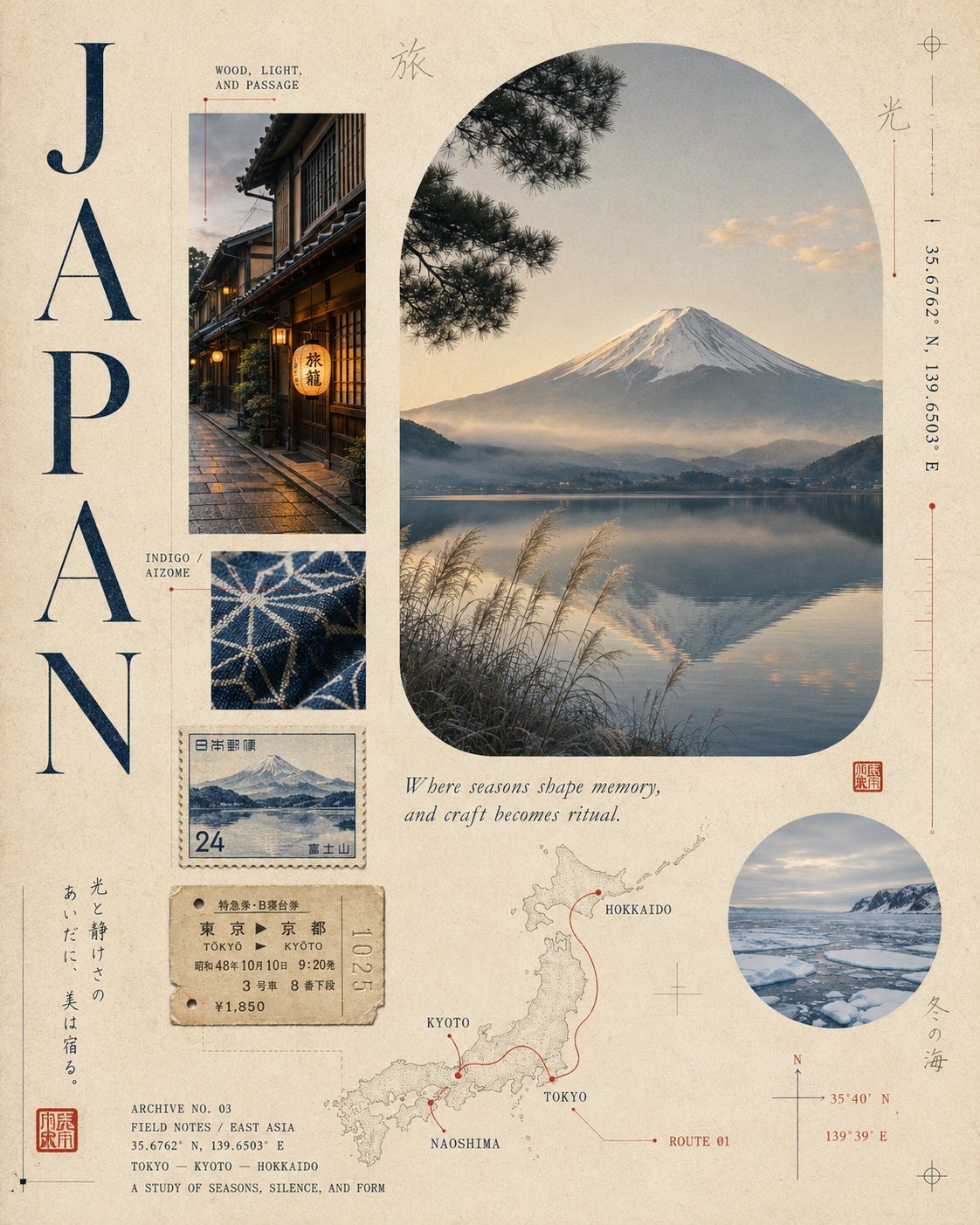
Japan, Portugal, and Korea reimagined as layered travel archives with paper, stamps, and landmarks.
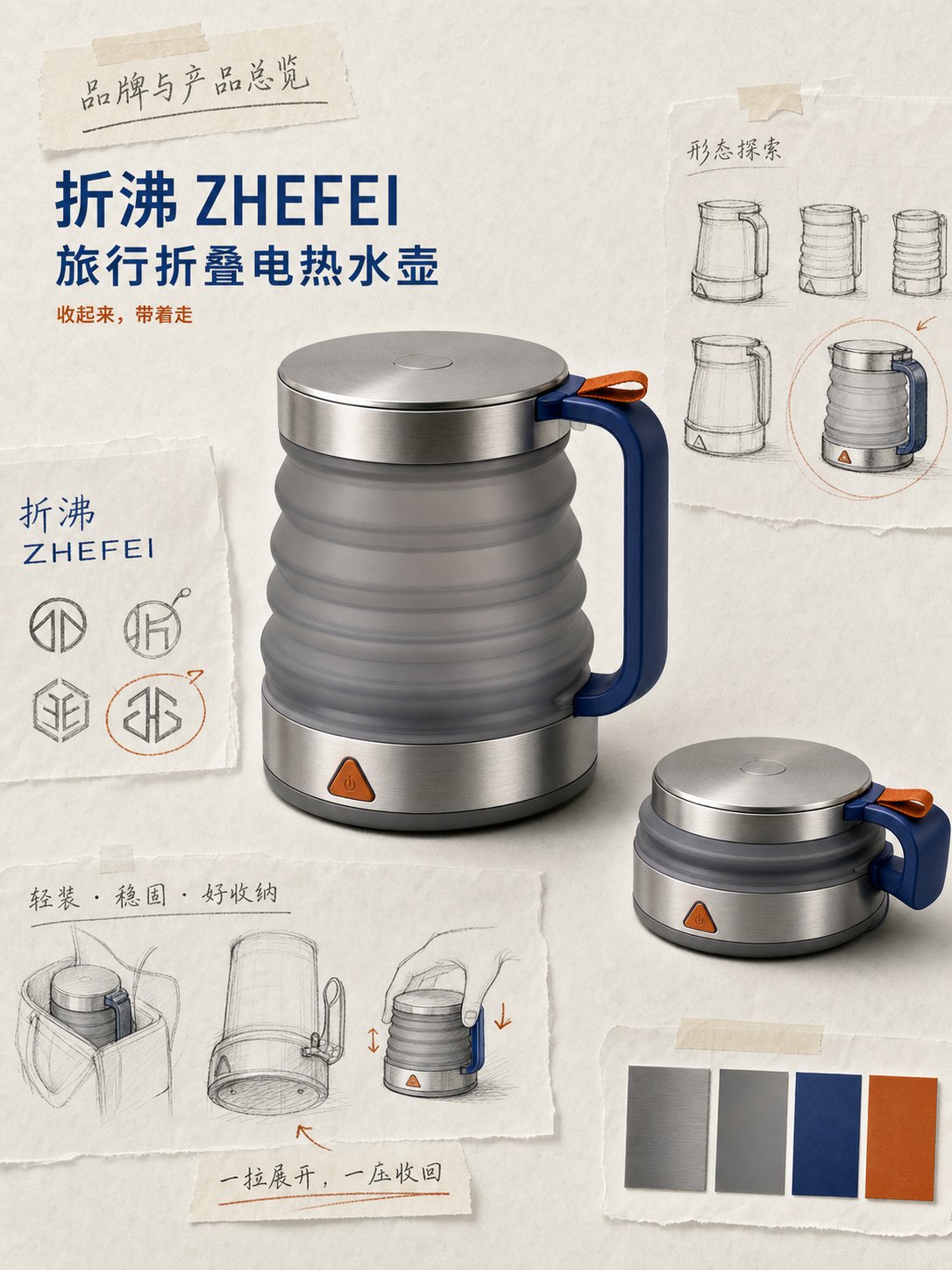
A portable product study covering form, folding structure, materials, and travel packaging.
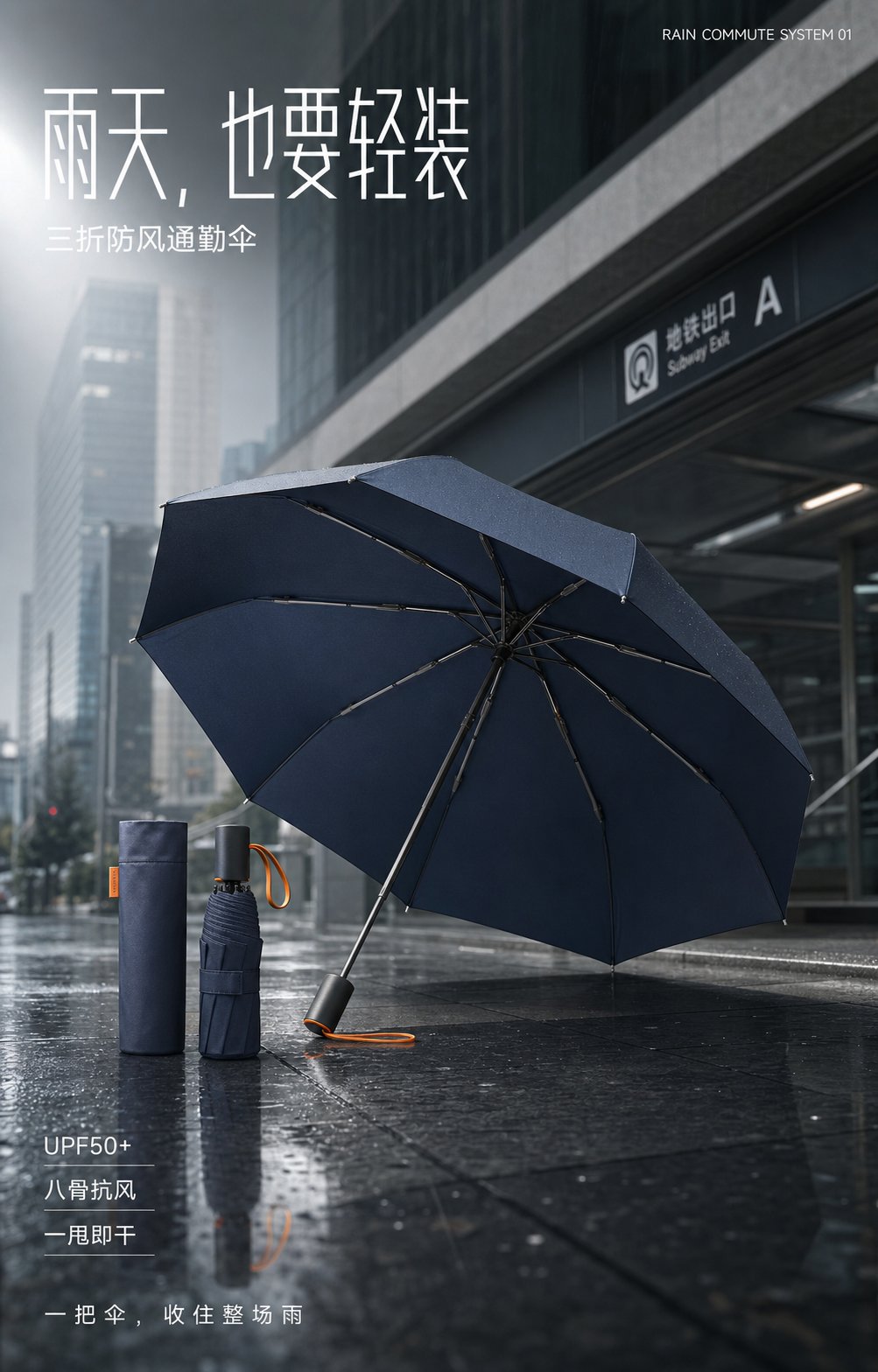
Four consistent frames cover appearance, construction, real-world use, and packed scale.
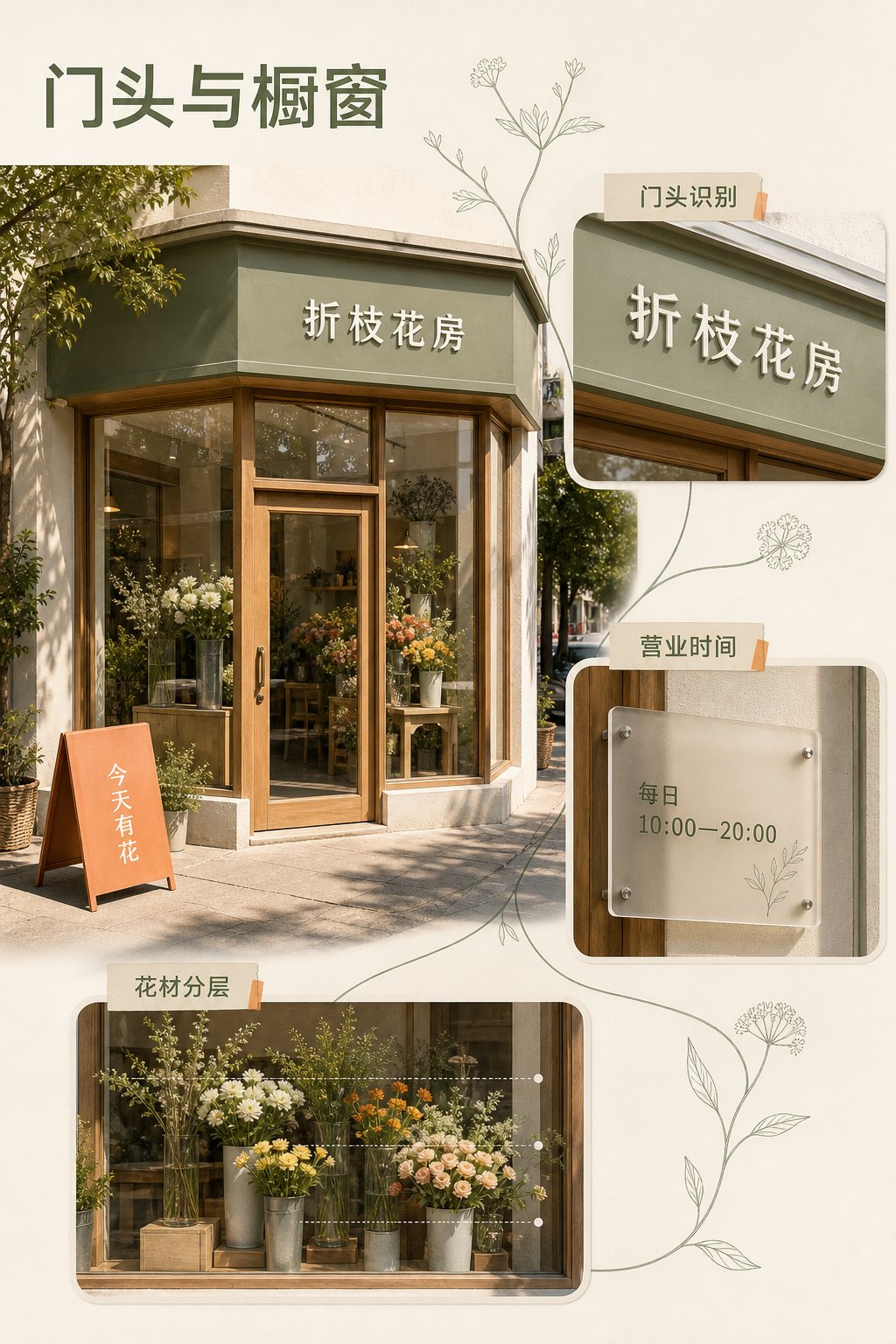
A neighborhood flower shop system spanning storefront, wrapping, wayfinding, and launch materials.
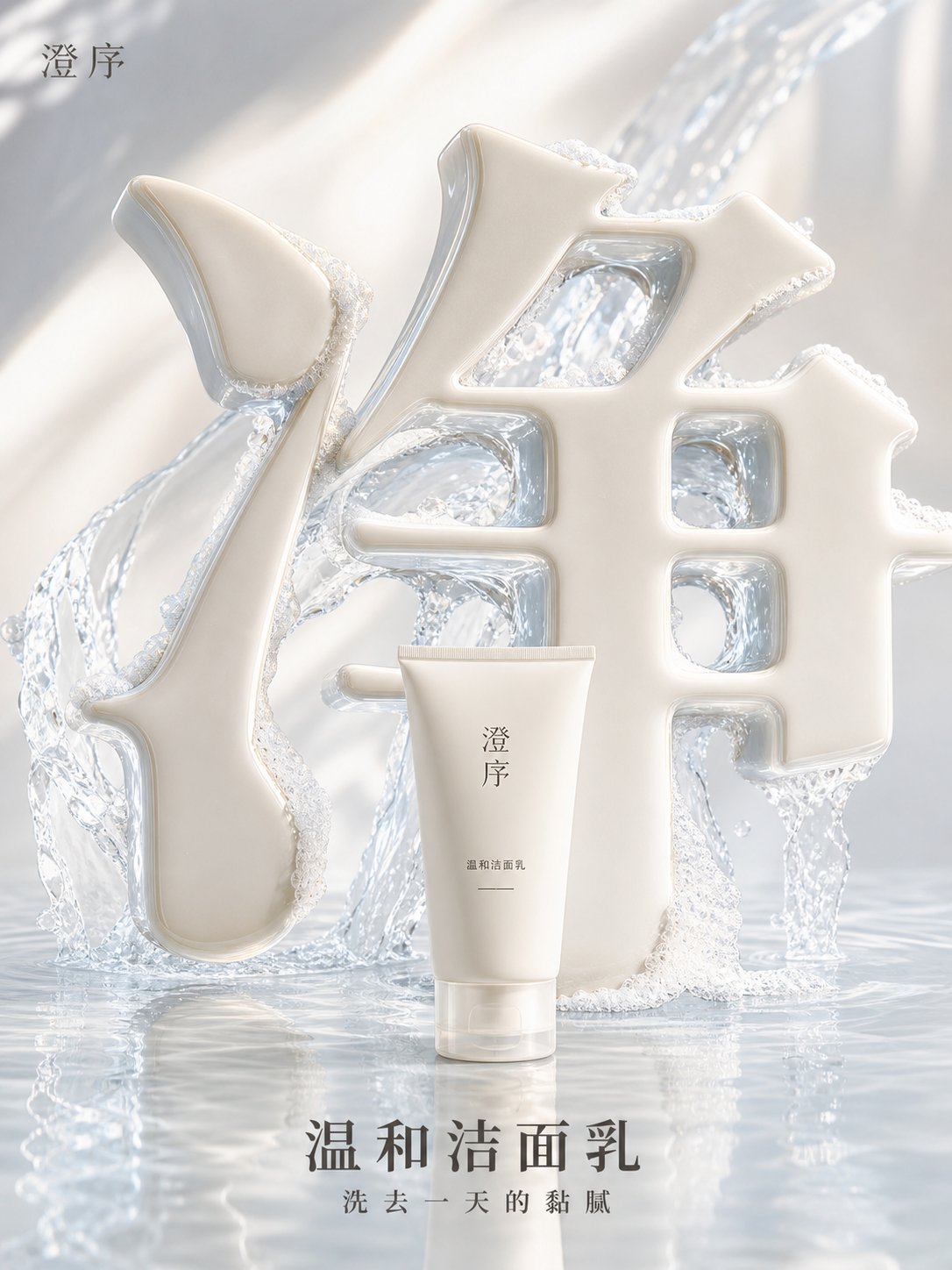
Four Chinese characters become product spaces built from porcelain, water, crystal, and sunlight.
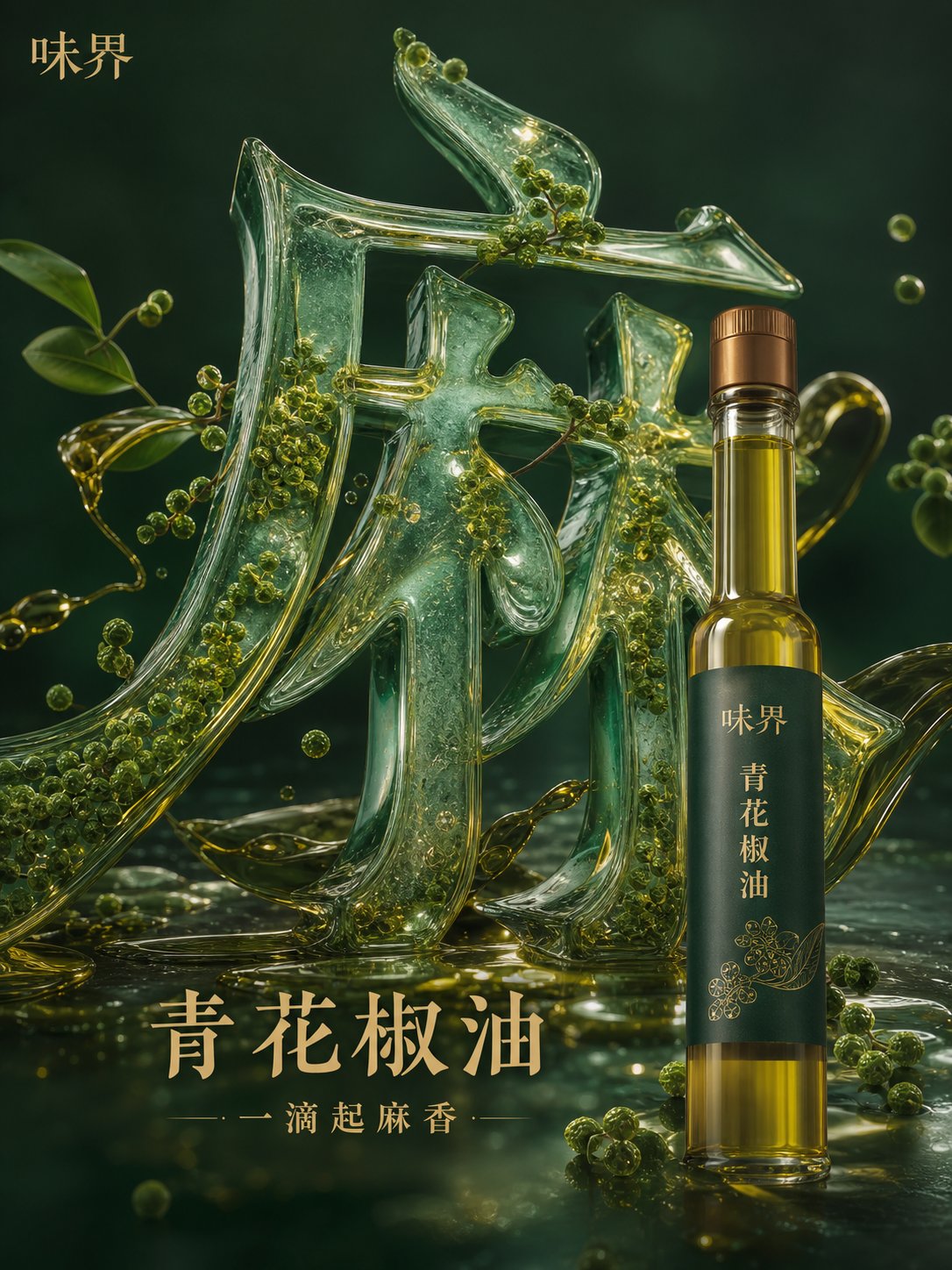
Four flavor concepts turn condiment textures into sculptural typography.
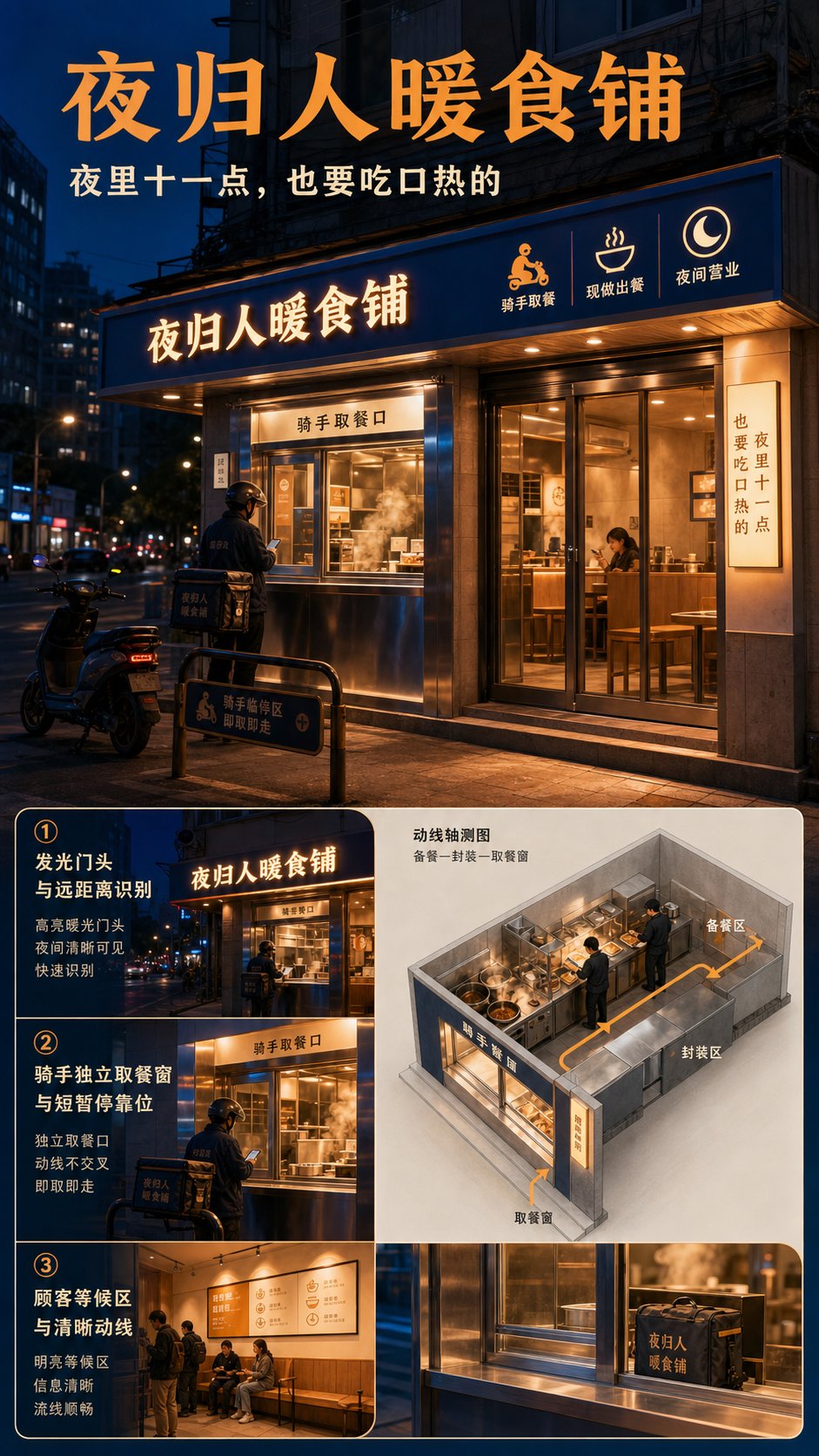
A late-night food experience spanning storefront, delivery UI, packaging, and unboxing.
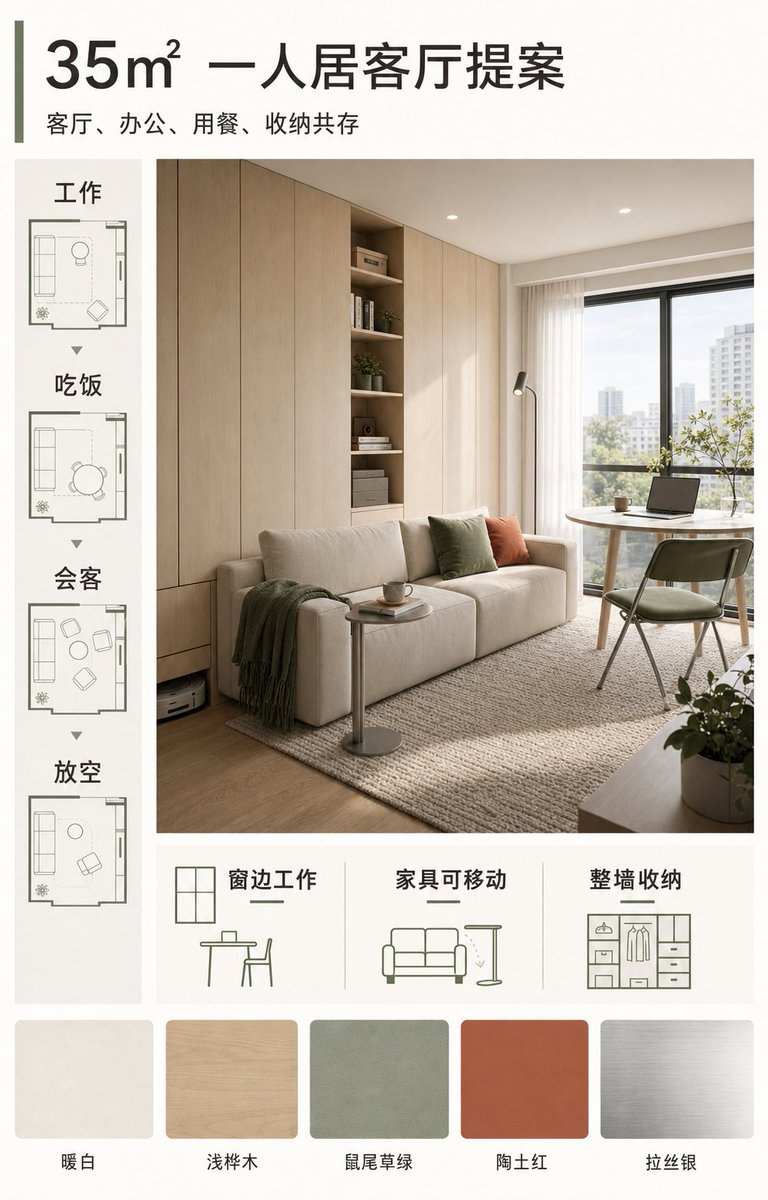
A small-home proposal focused on layout, storage, palette, and flexible daily use.
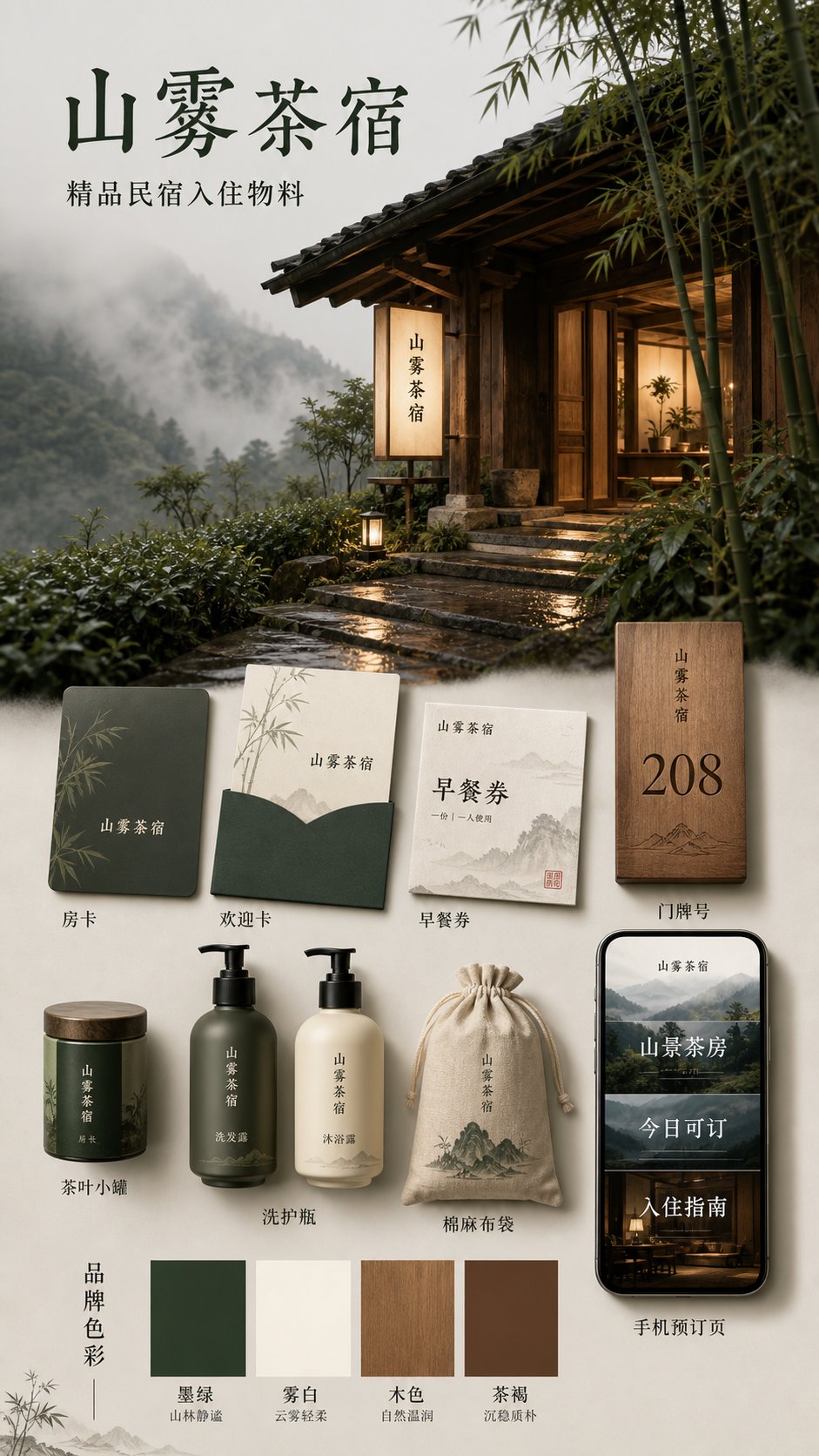
Four regional moods extend across signage, room cards, welcome pieces, and booking screens.
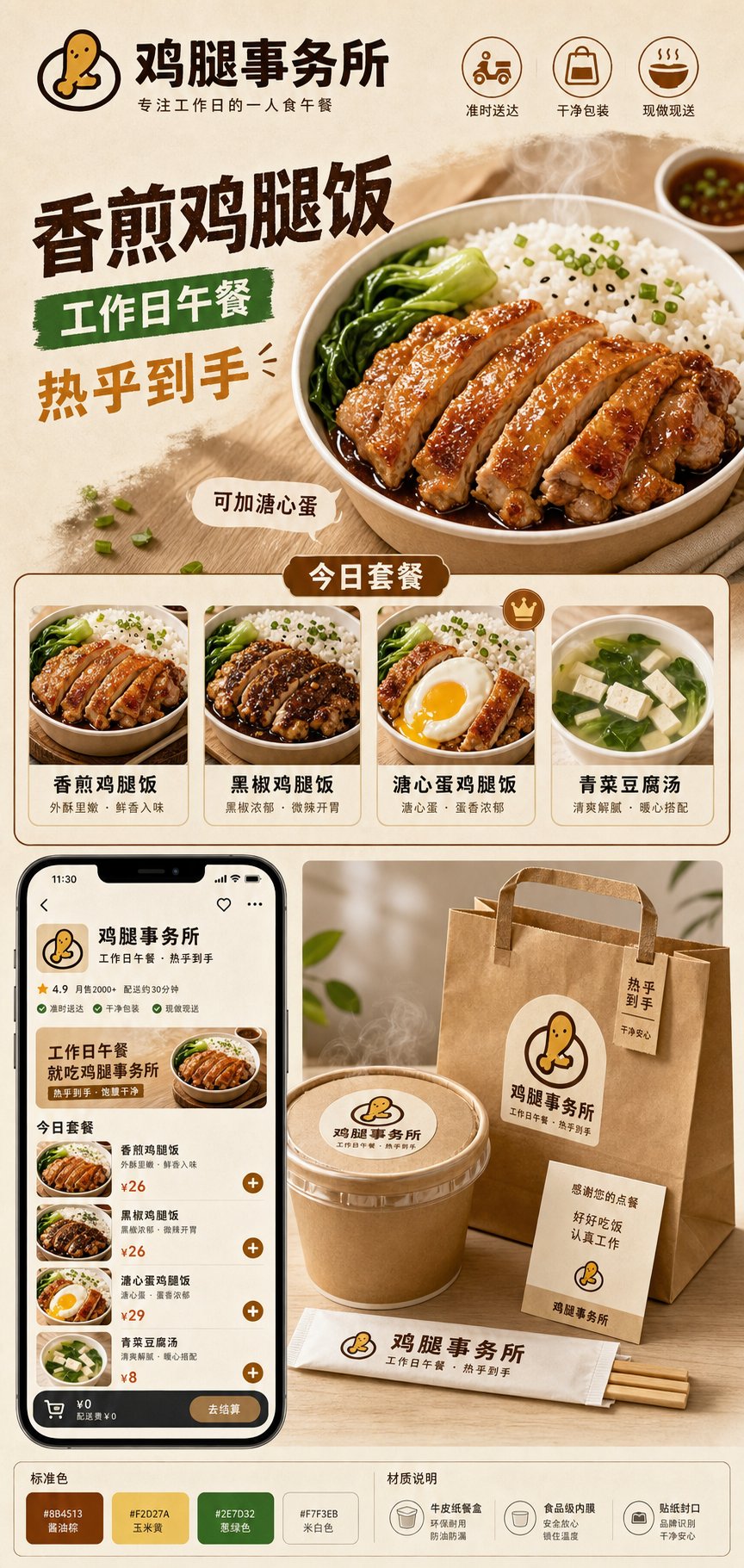
Four everyday meals become consistent storefront heroes, set cards, and delivery packaging.
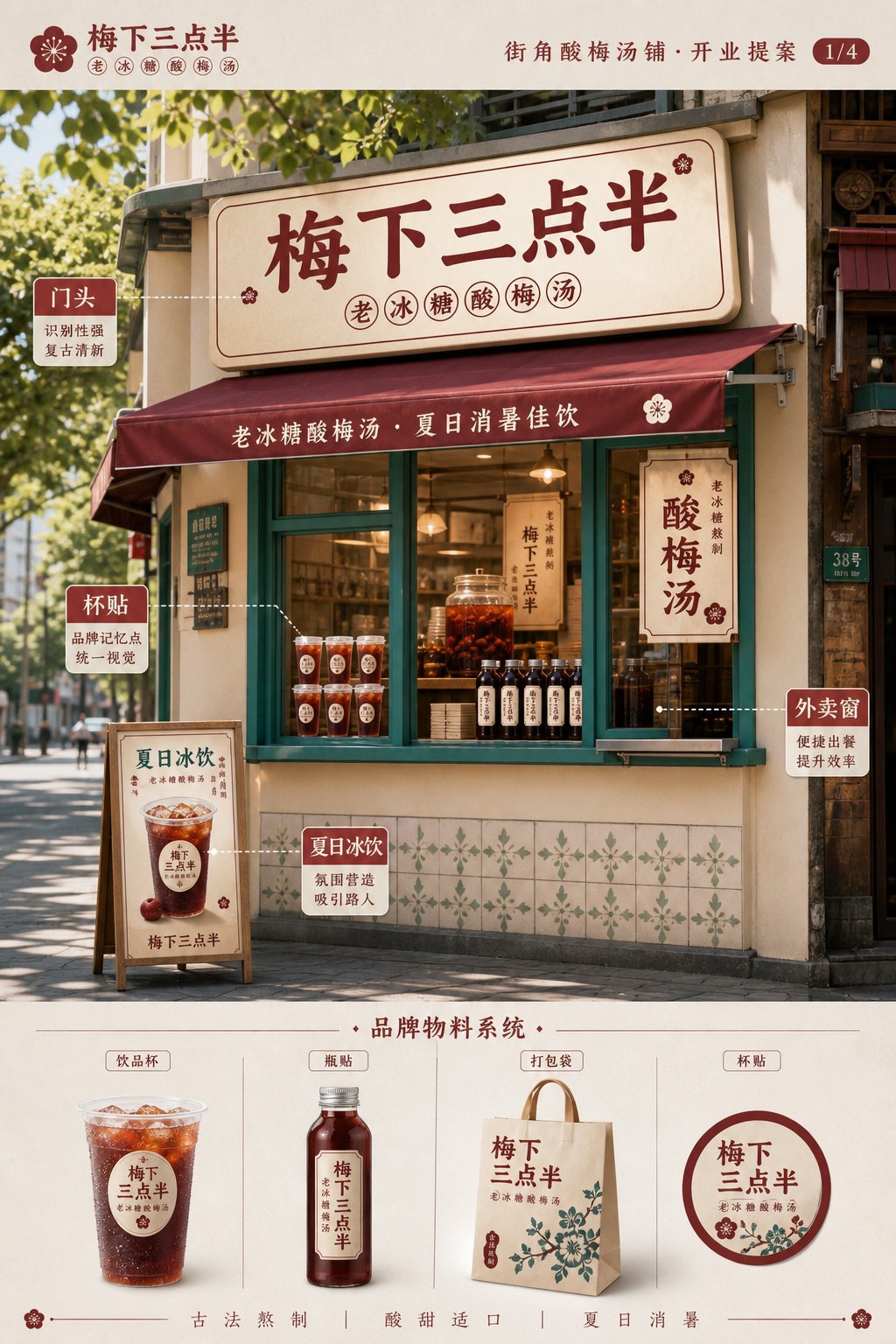
A summer drink-shop identity across space, labels, menus, and opening posters.
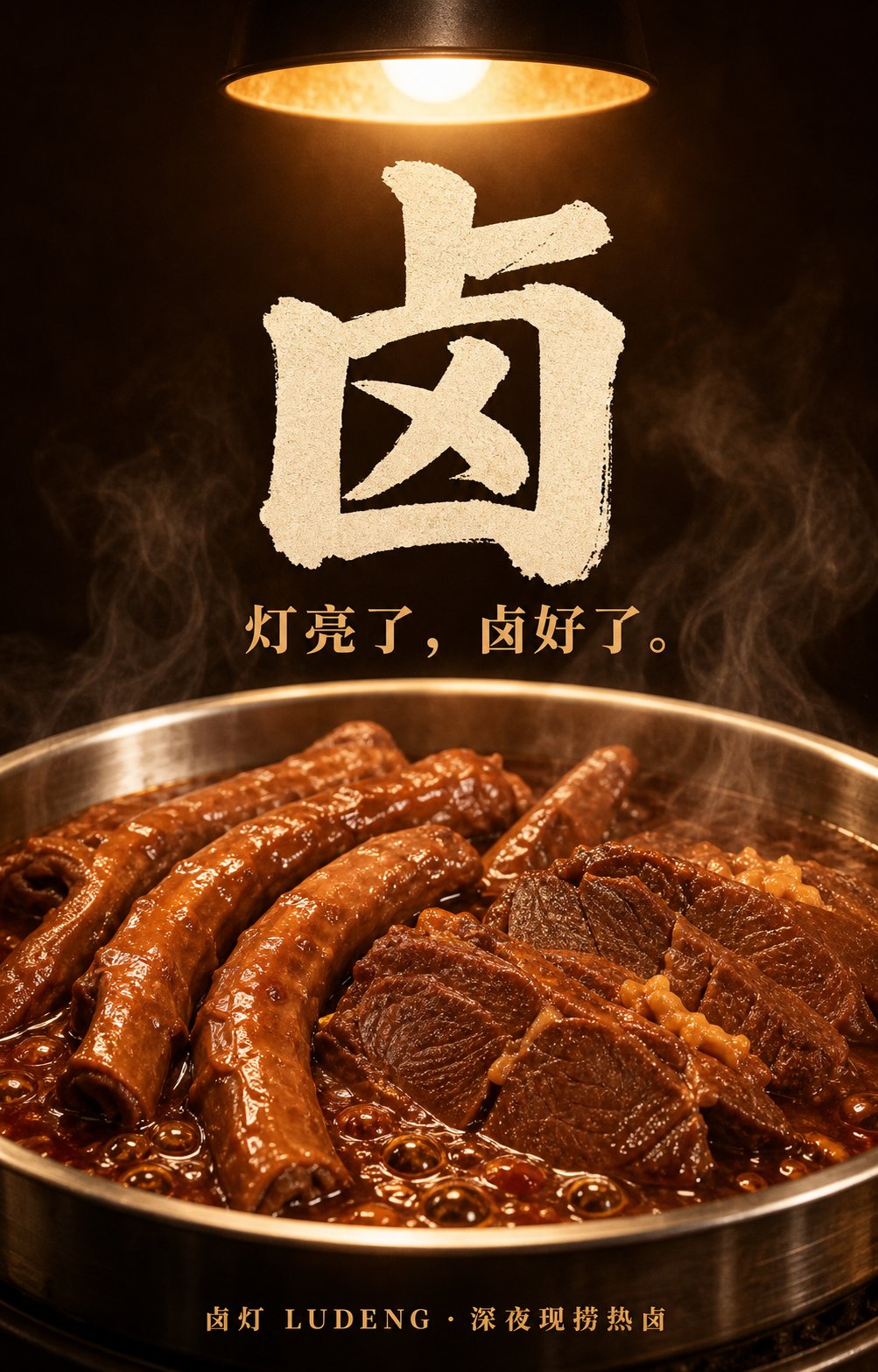
A fictional hot-braise brand developed from key visual through packaging and storefront.
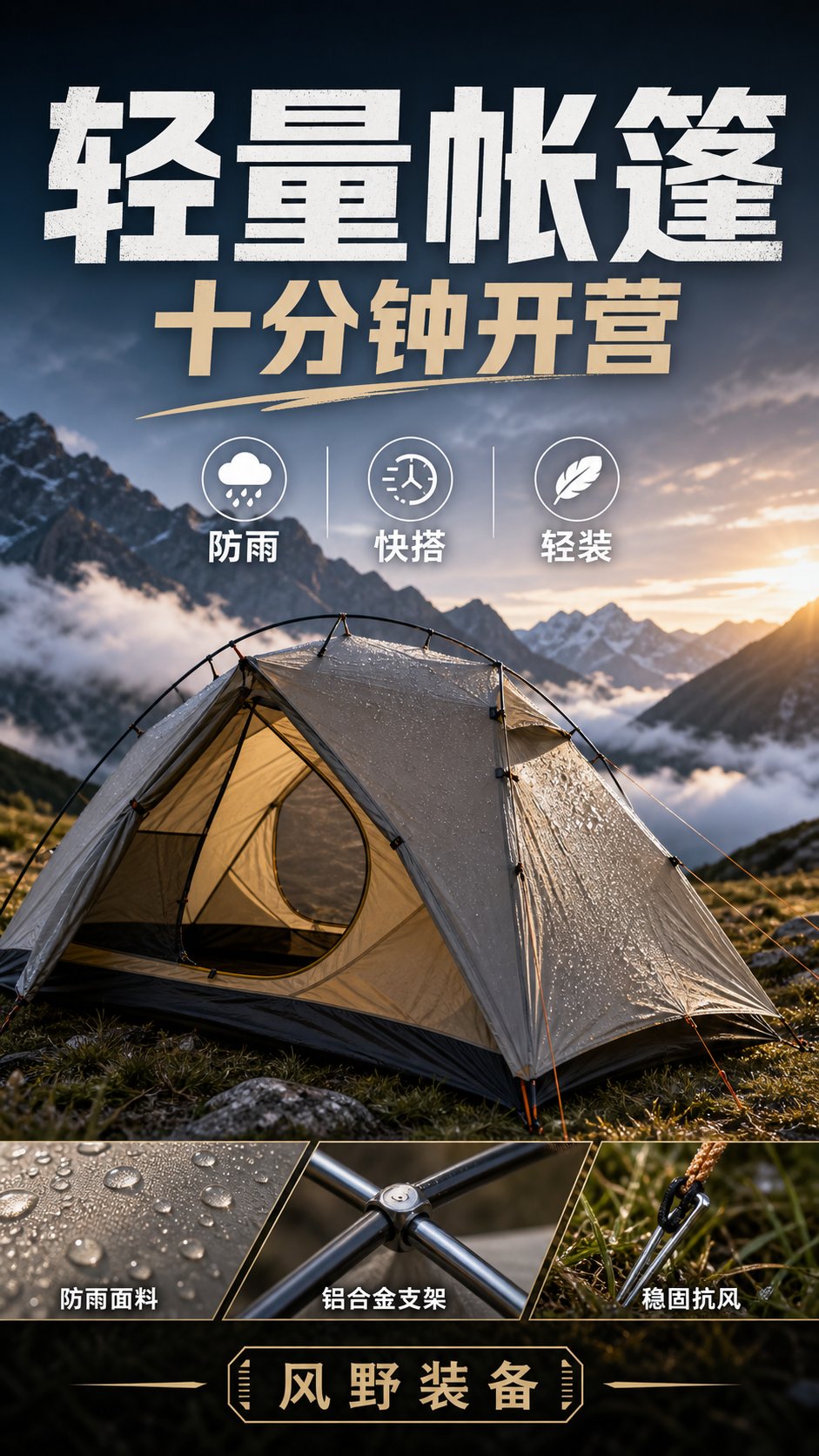
Tents, jackets, packs, and camp lights presented through environment and functional detail.
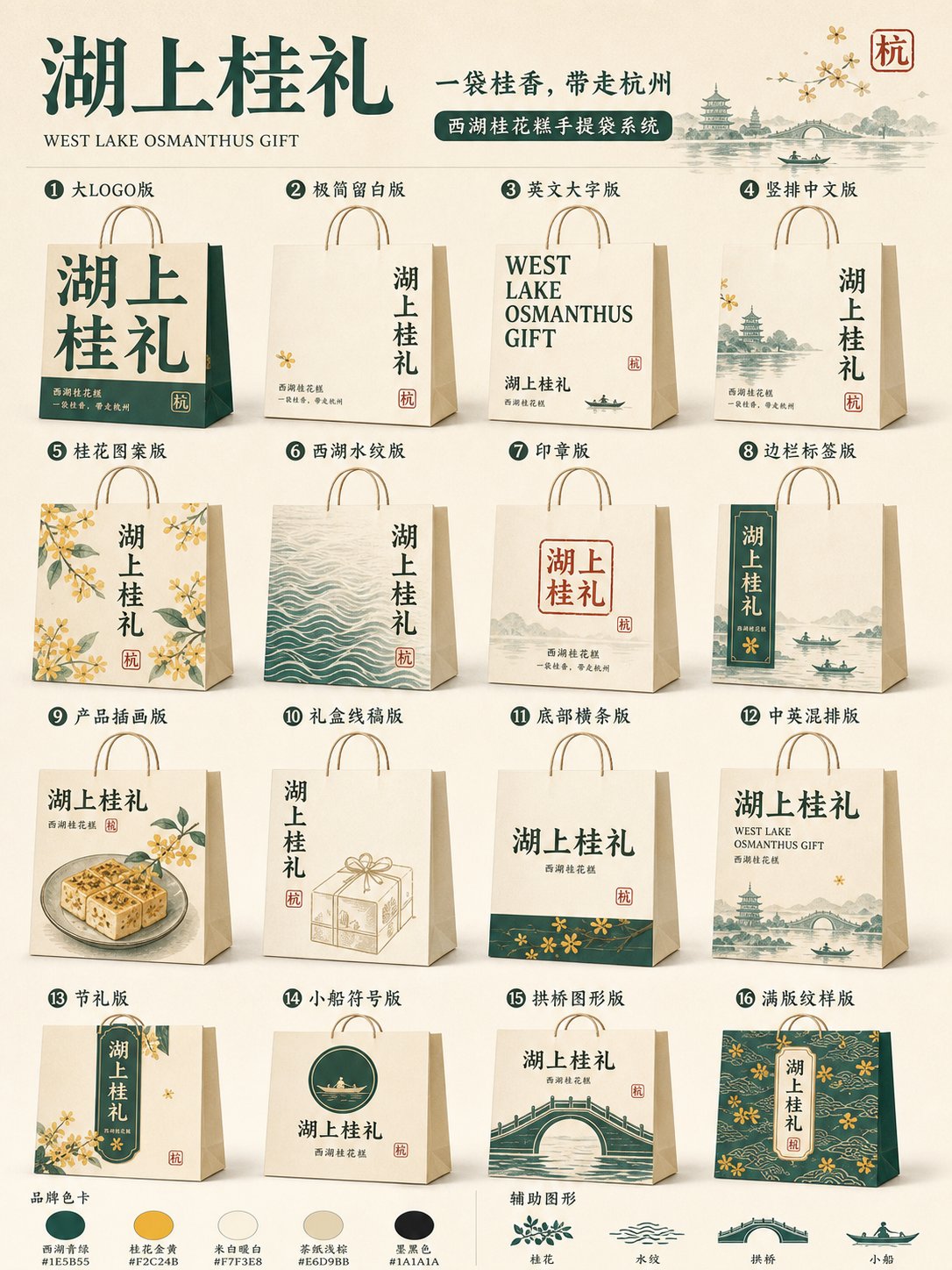
Four regional goods translated into a consistent city-gift packaging system.
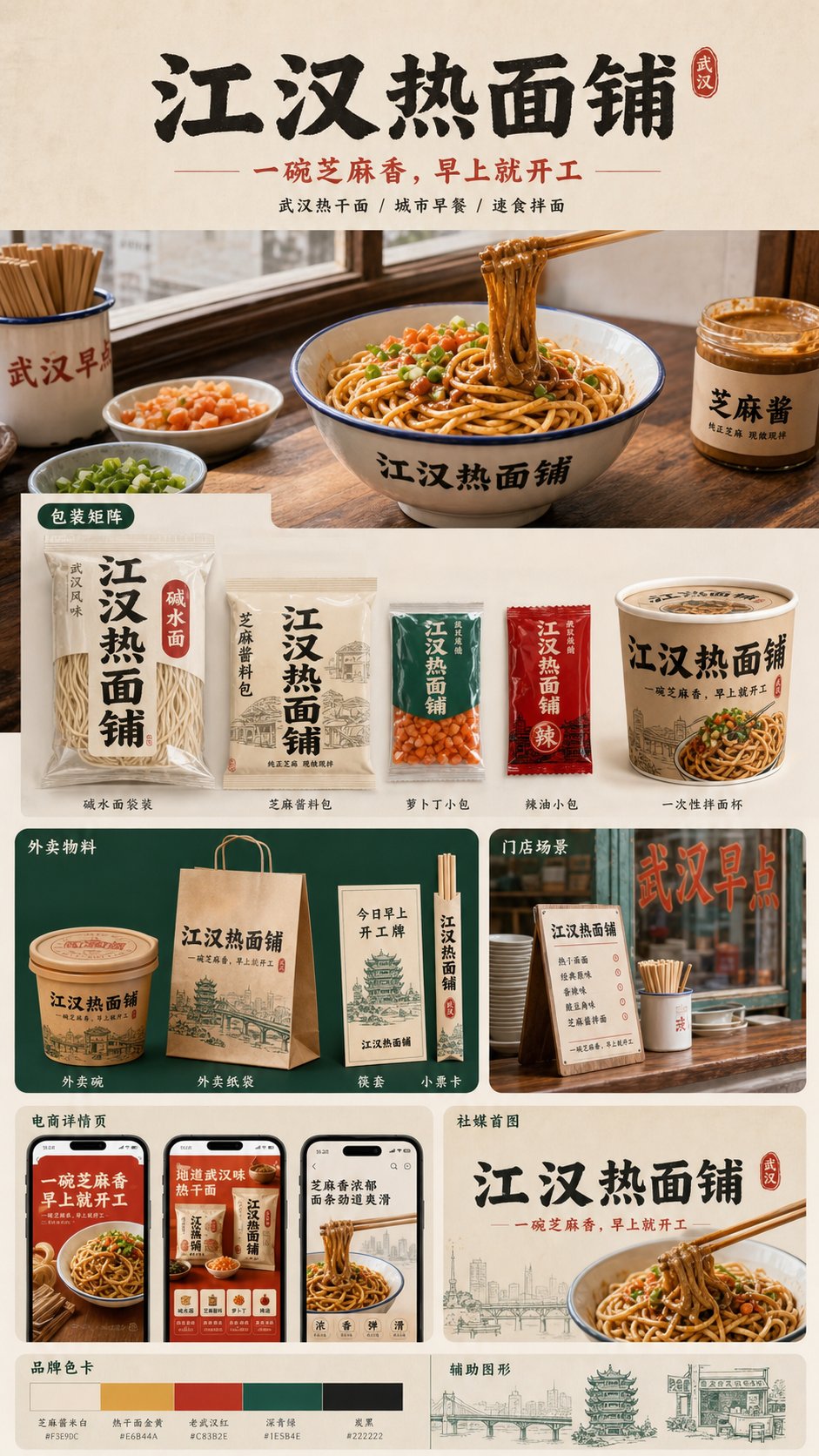
Four regional breakfasts developed into practical, shelf-ready brand systems.
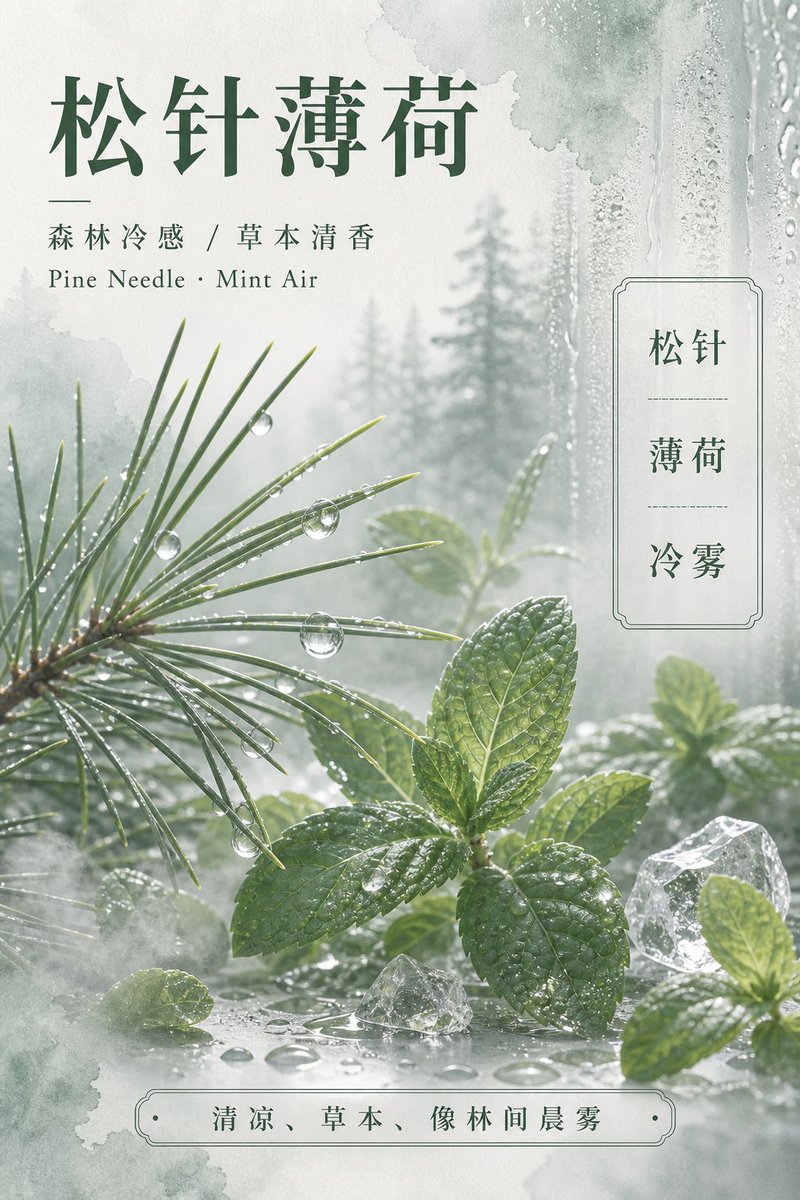
Pine, citrus peel, pear, and bamboo rain translated into restrained botanical visuals.
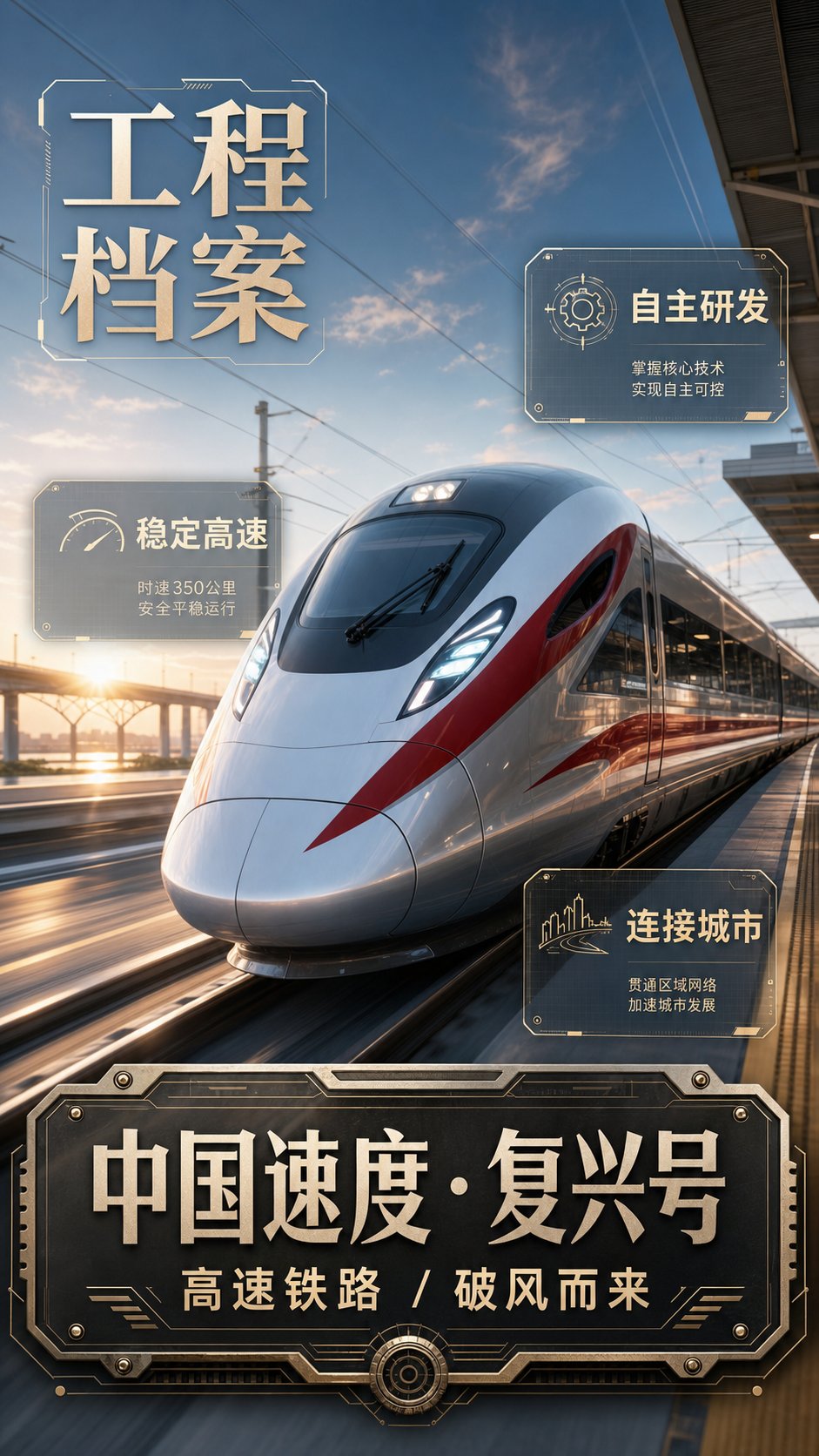
Rail, aviation, deep-sea, and space projects reimagined as dimensional archive posters.
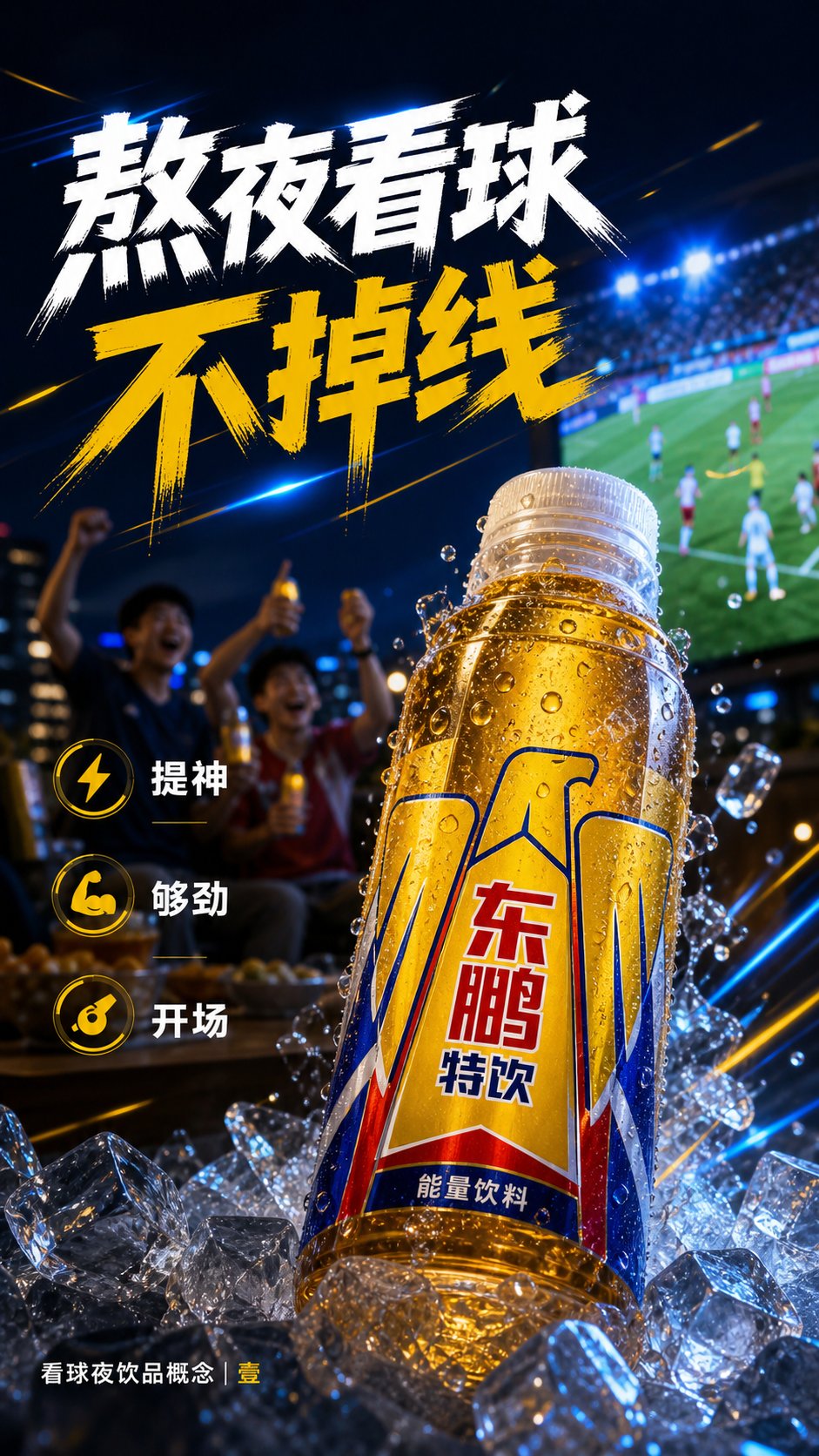
Three drink brands answer the same match-night brief with distinct visual moods.
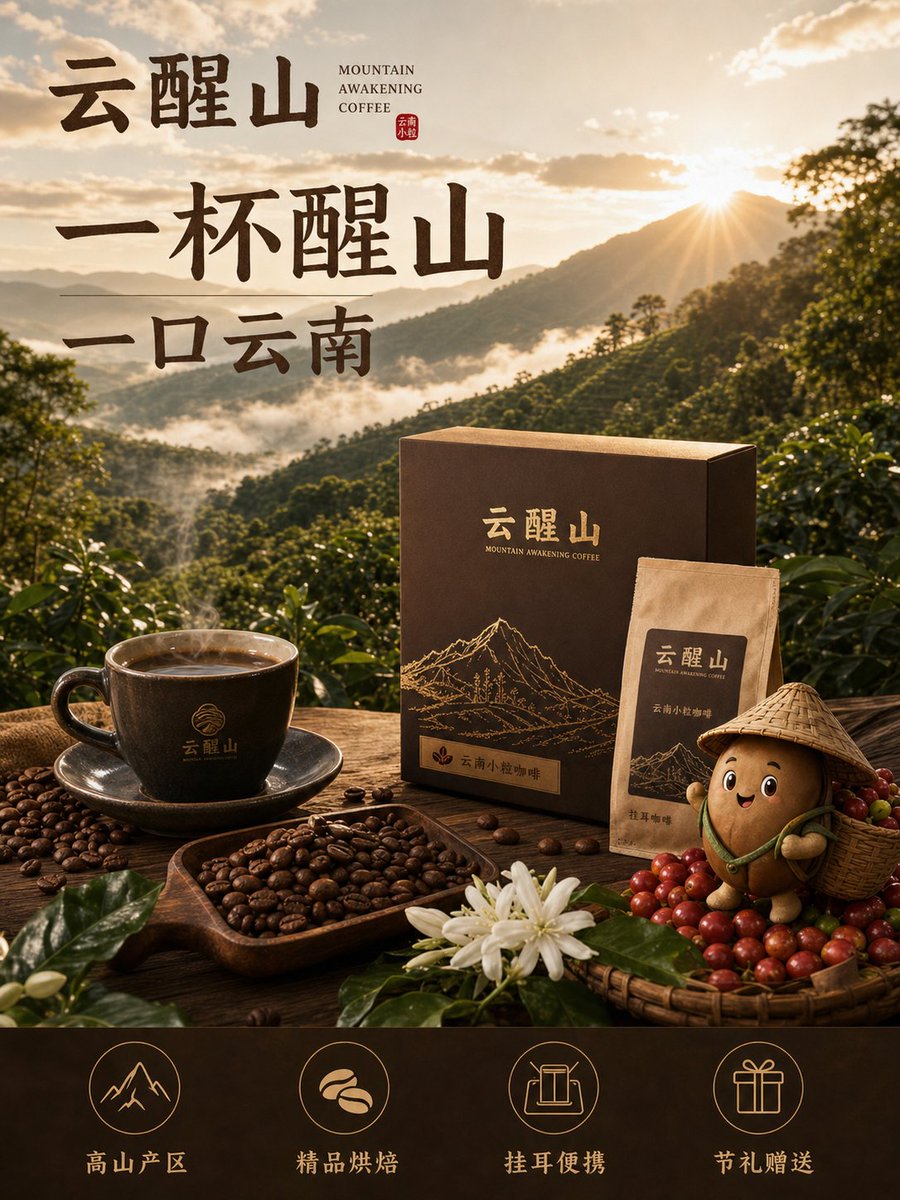
Yunnan coffee developed into a complete system with character, packaging, and commerce visuals.
GPT Image 2 · FLUX · Nano Banana
Explore product images, posters with text, portraits, packaging, spaces, and visual styles. Look at the work first, then open the full prompt when you want the details.
Compare angles, materials, light, feature treatments, and brand layouts.
Explore headline placement, type personality, information hierarchy, and key visuals.
Find ideas for styling, identity consistency, environmental materials, and viewpoint.
Model guide
Detail pages identify the actual original model. When considering another model, look at typography, reference editing, formats, and resolution support.
For product shots, posters, packaging, portraits, characters, spaces, and image editing.
Using a prompt
You do not need to copy every line. Keep the visual structure you like and replace the content that should be yours.
It may be subject scale, composition, material, light, color, or type layout.
Change the product, person, brand, headline, and selling points tied to the original.
Specify aspect ratio, negative space, copy placement, fixed appearance details, and exclusions as needed.
FAQ
Search products, posters, portraits, packaging, spaces, styles, or models, or browse the generated images and open anything that interests you.
Subject and composition can often transfer, but typography, reference editing, prompt interpretation, formats, and resolution differ. Check the actual original model on the detail page, then adjust for your target model.
Common elements include product appearance and materials, camera angle, setting, light, background, brand information, format, and intended use. Hero, feature, lifestyle, and detail images can be described separately.
Keep defining features, colors, materials, and appearance fixed, add references when supported, and change only a few scene, pose, camera, or lighting variables at a time.