Model: Seedance 2.0Copyable prompt
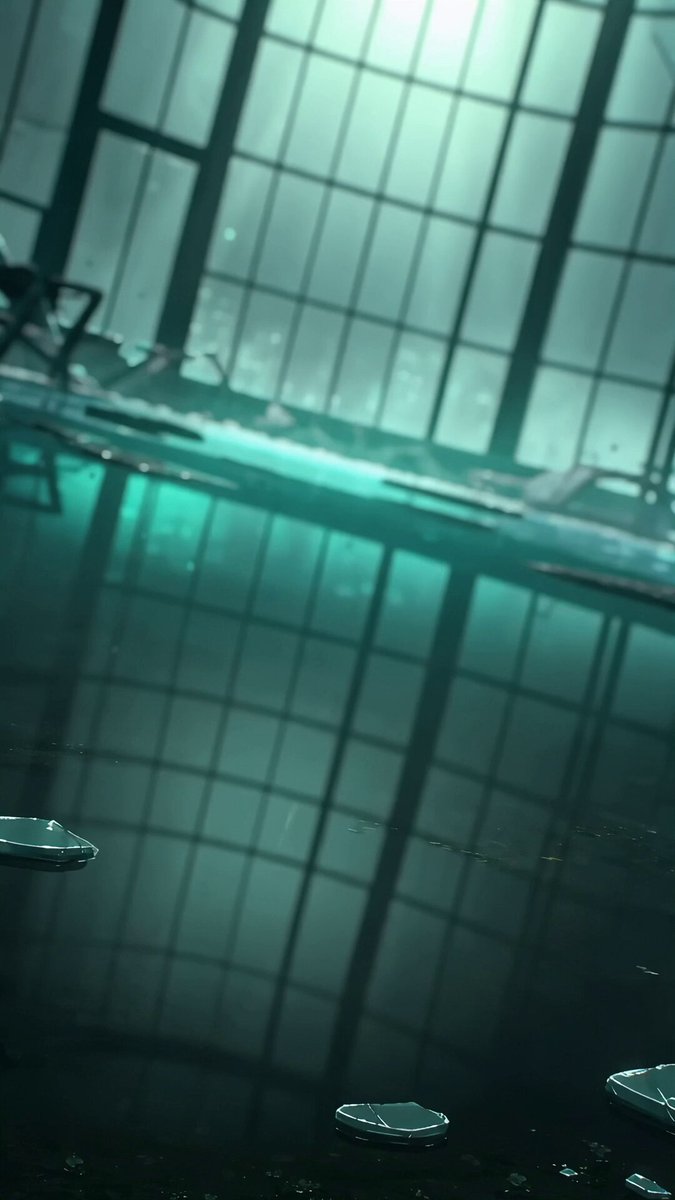
Stage an anime duel inside a storm-battered greenhouse
A vertical anime action short built with character locks, cel-shaded rendering, and second-by-second choreography.
From Daily prompts
Browse product films, character action, camera moves, transitions, and continuous shots. Watch the result, then open anything that interests you to see its full prompt.
Search product films, character action, tracking shots, orbits, transitions, endpoint frames, or models, or simply browse.
177 prompts
A vertical anime action short built with character locks, cel-shaded rendering, and second-by-second choreography.
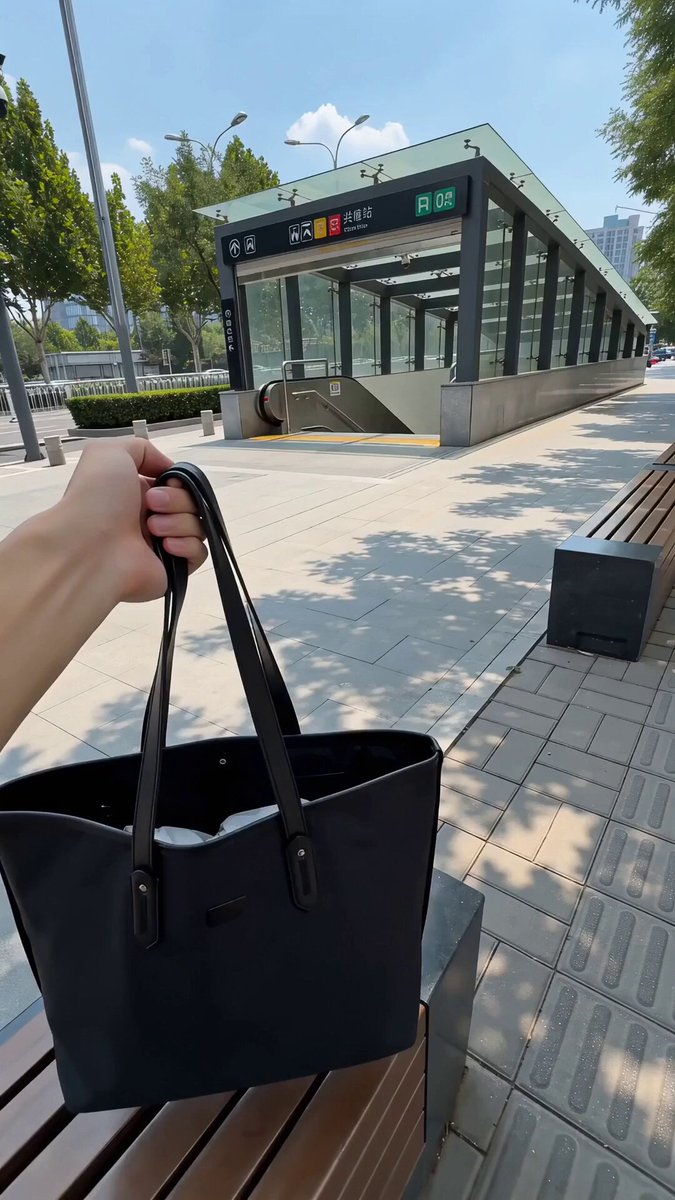
A product comedy mixing live-action commuting footage with a flat sticker character to show cooling and packability.
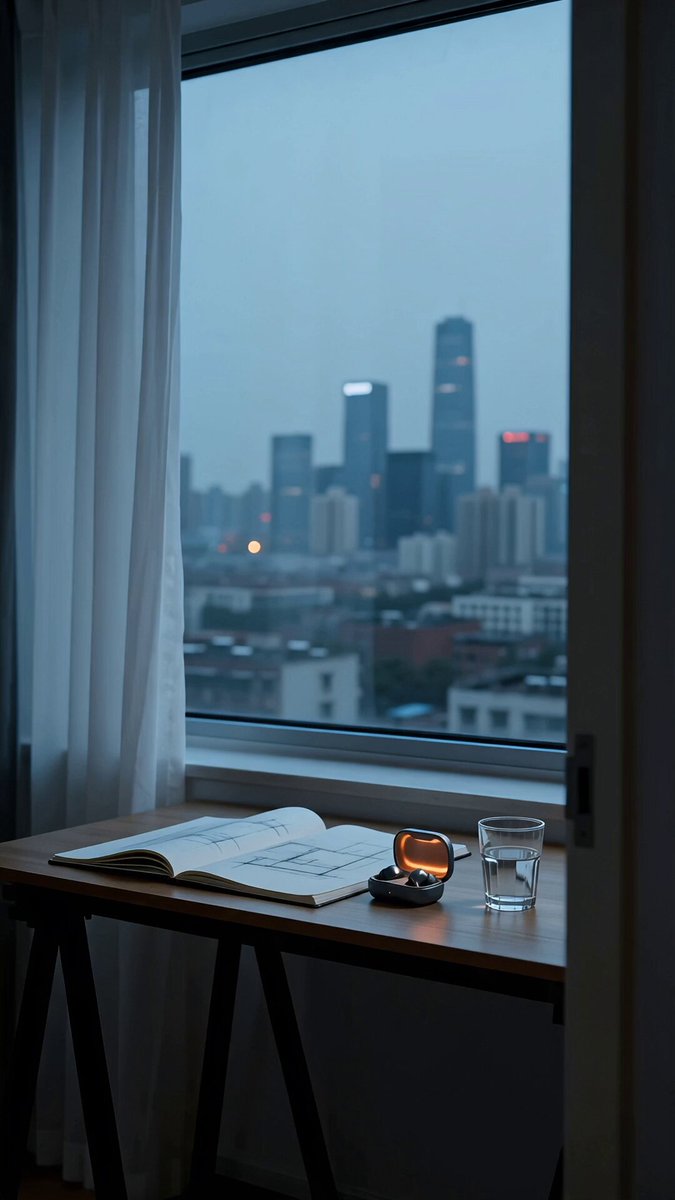
A restrained earbud film moving through five everyday city moments with one consistent character and product.
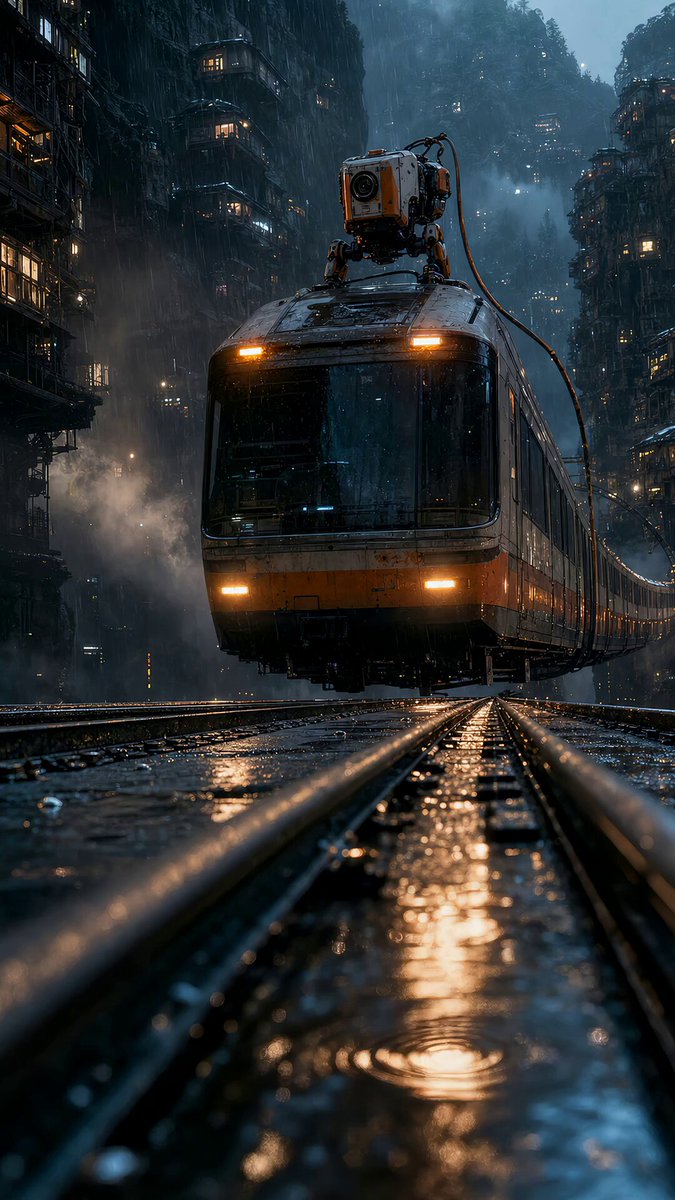
A start-and-end-frame study that keeps the train, tracks, robot, and final camera position consistent.
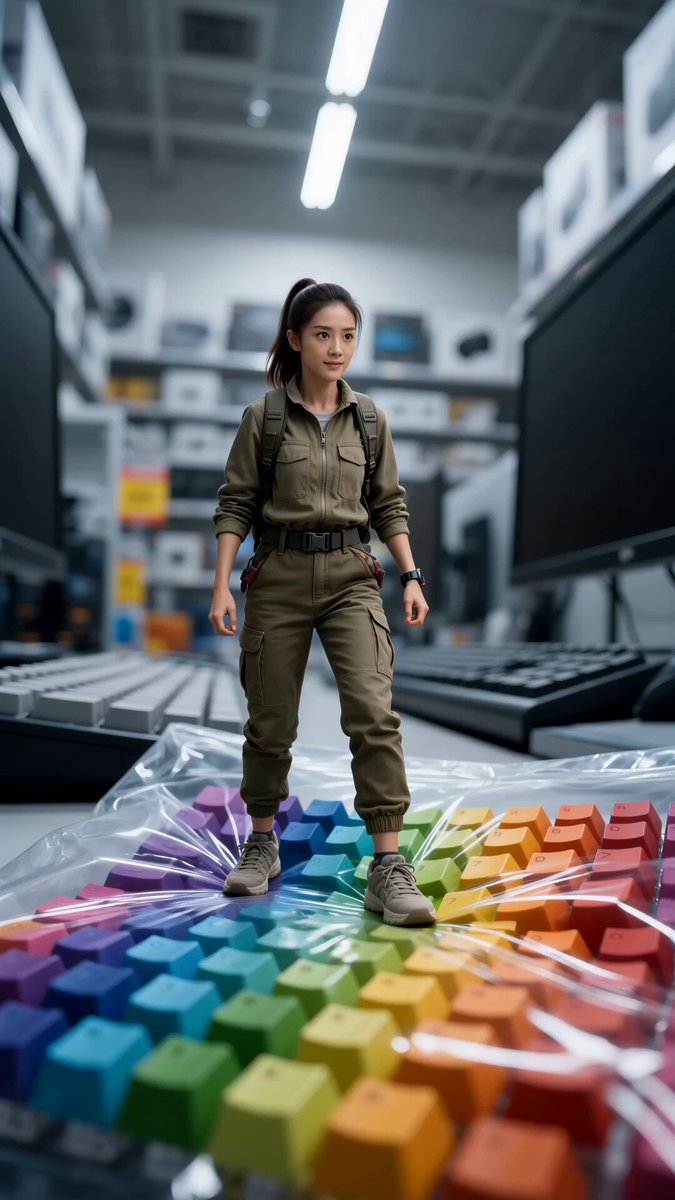
A palm-sized character crosses shelves, tags, and shopping baskets in a macro action short.
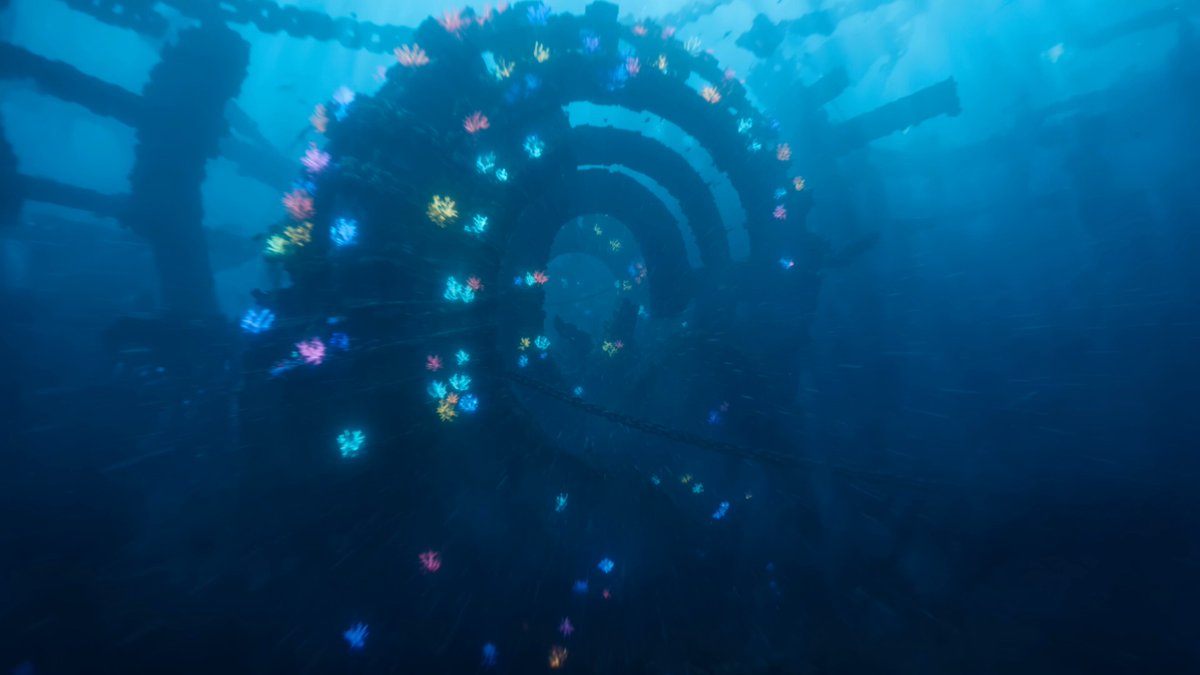
A continuous dive through pillars and currents toward an artificial sun in submerged ruins.
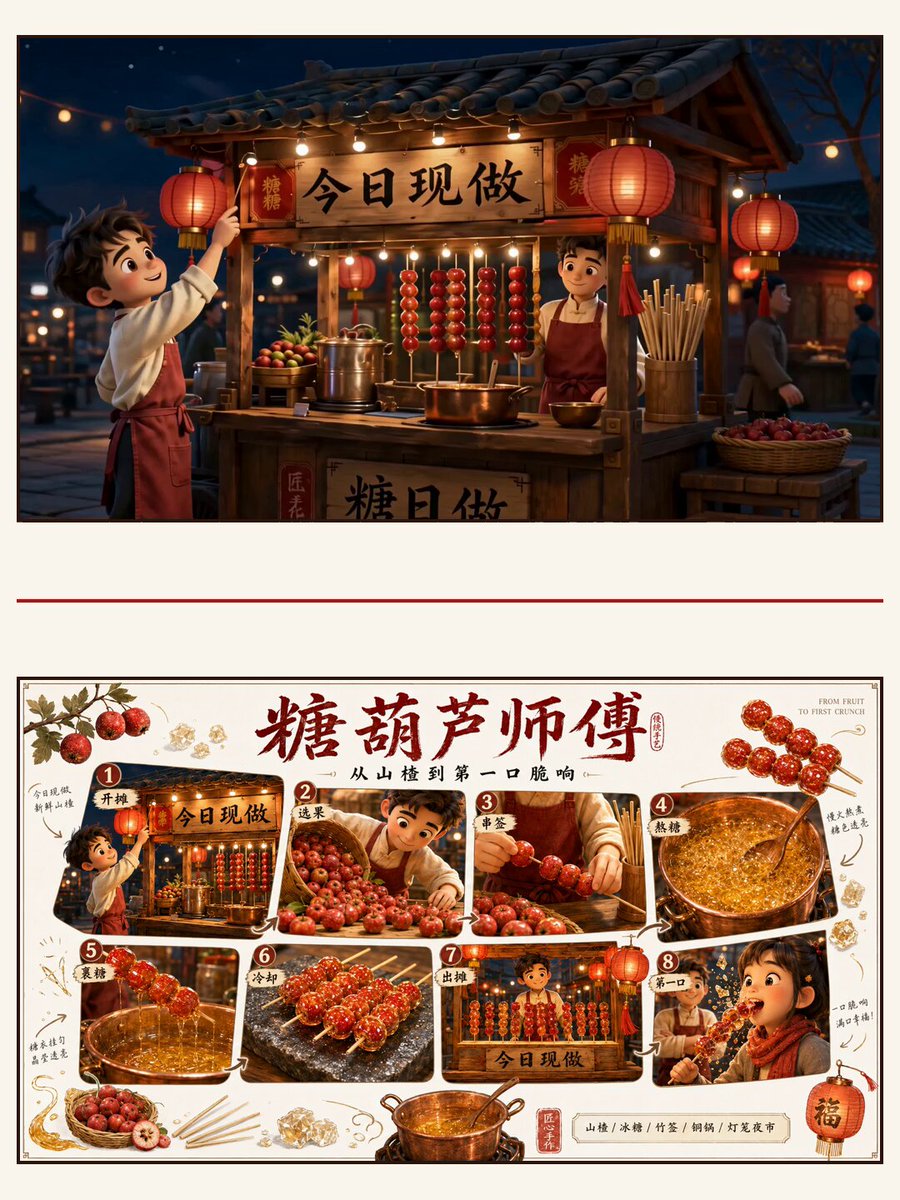
A food short moving from fruit preparation to the first crack of hardened sugar.
Open the full prompt, result, and source for this latest creative reference.
Open the full prompt, result, and source for this latest creative reference.
Open the full prompt, result, and source for this latest creative reference.
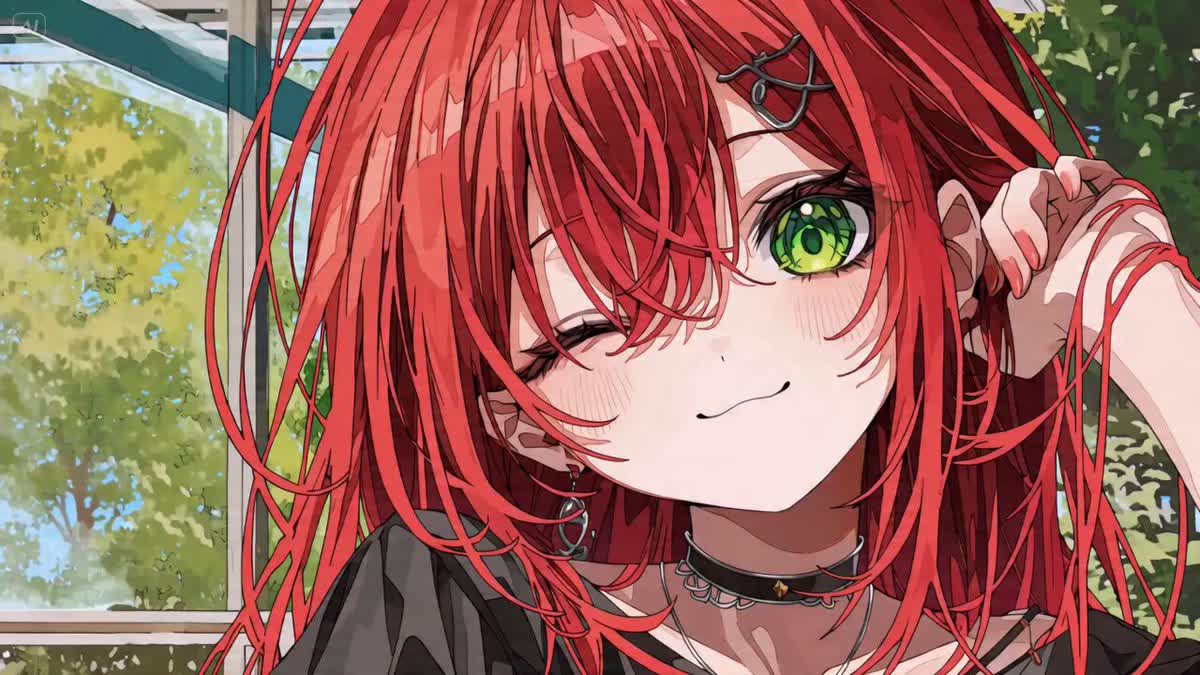
Open the full prompt, result, and source for this latest creative reference.
Open the full prompt, result, and source for this latest creative reference.
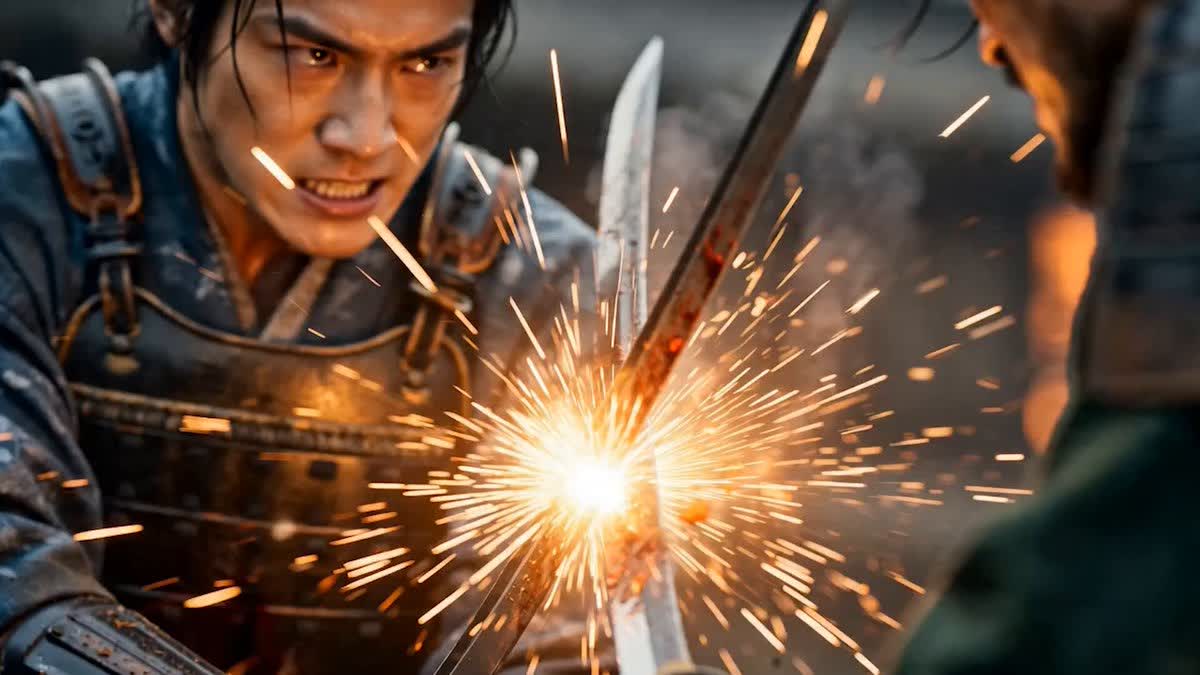
Open the full prompt, result, and source for this latest creative reference.
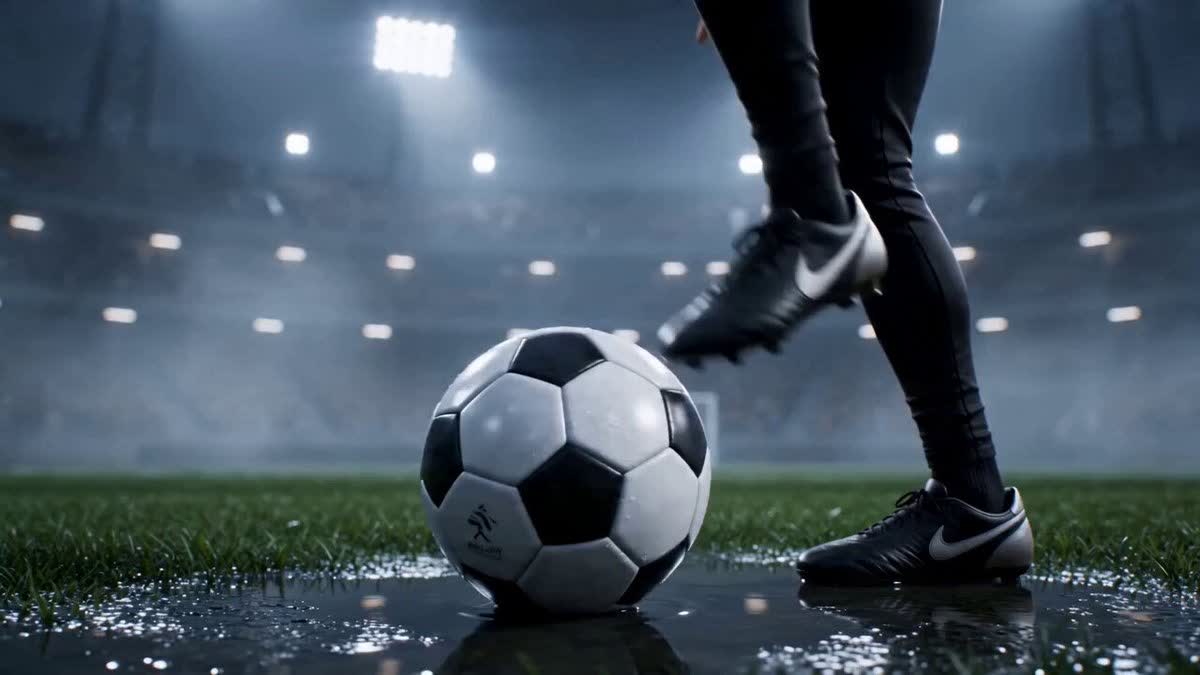
Open the full prompt, result, and source for this latest creative reference.
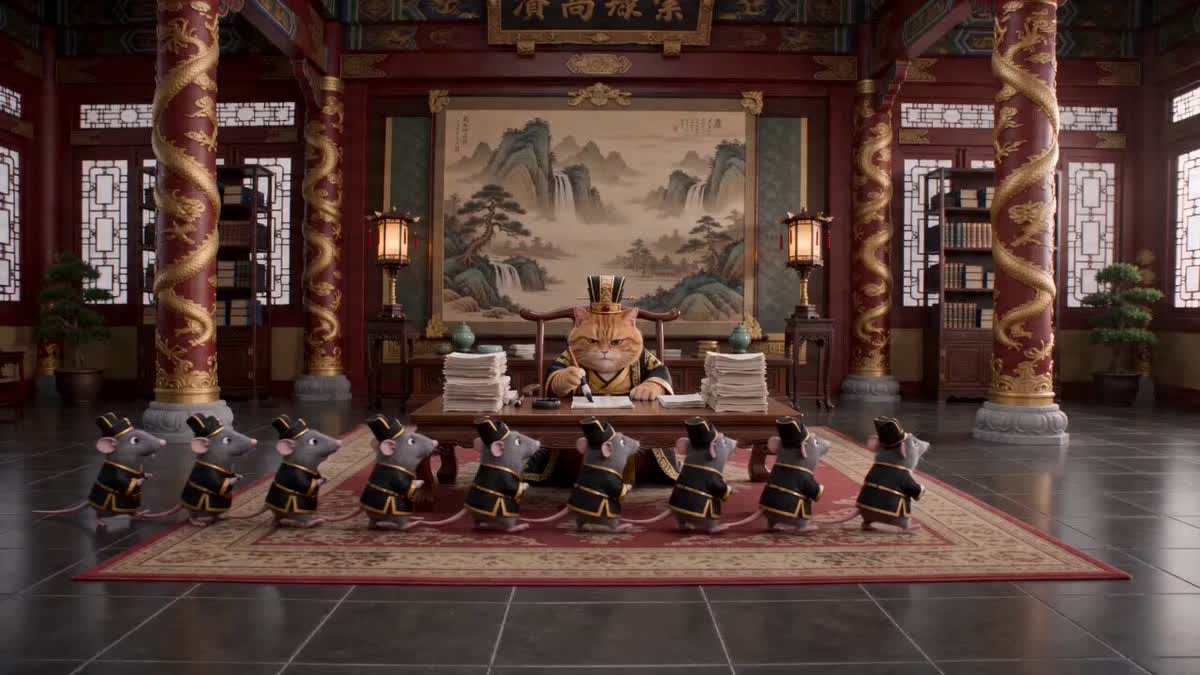
Open the full prompt, result, and source for this latest creative reference.
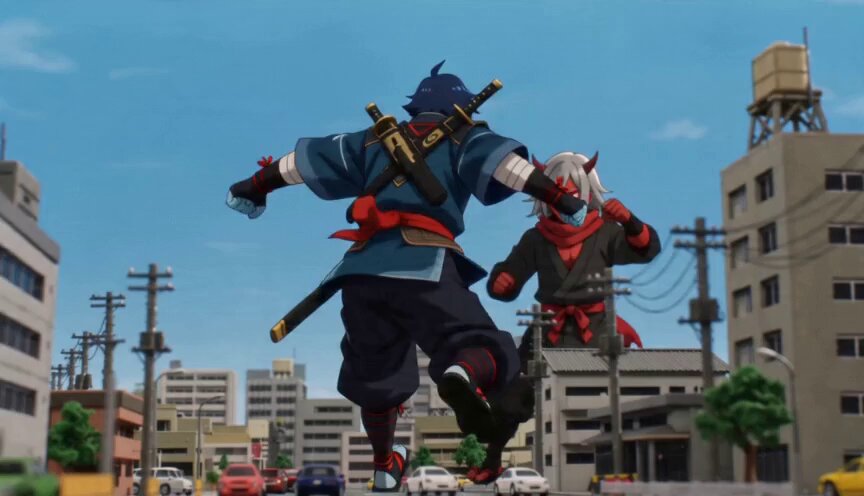
Open the full prompt, result, and source for this latest creative reference.
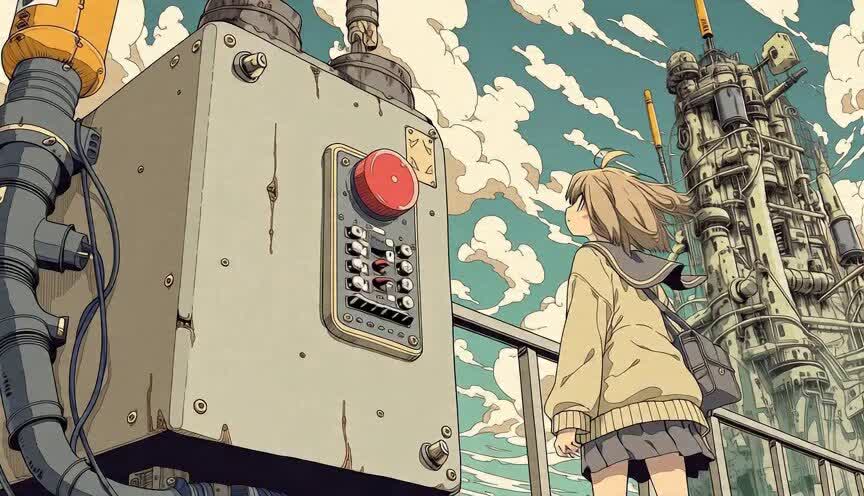
Open the full prompt, result, and source for this latest creative reference.
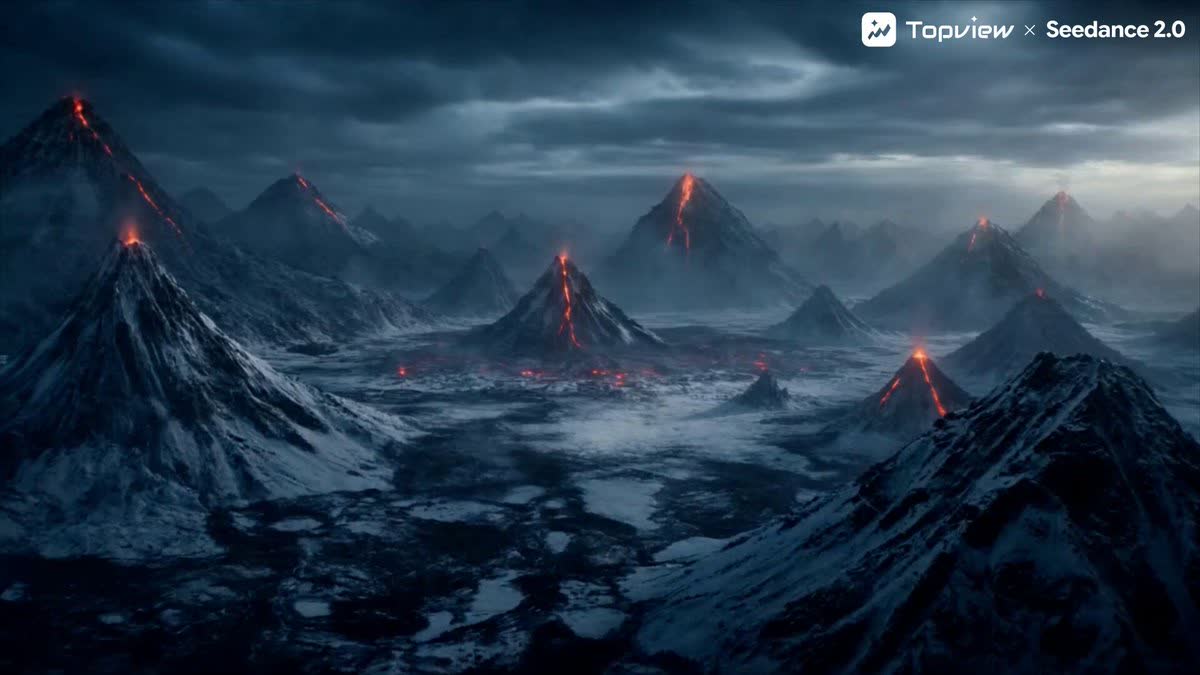
Open the full prompt, result, and source for this latest creative reference.
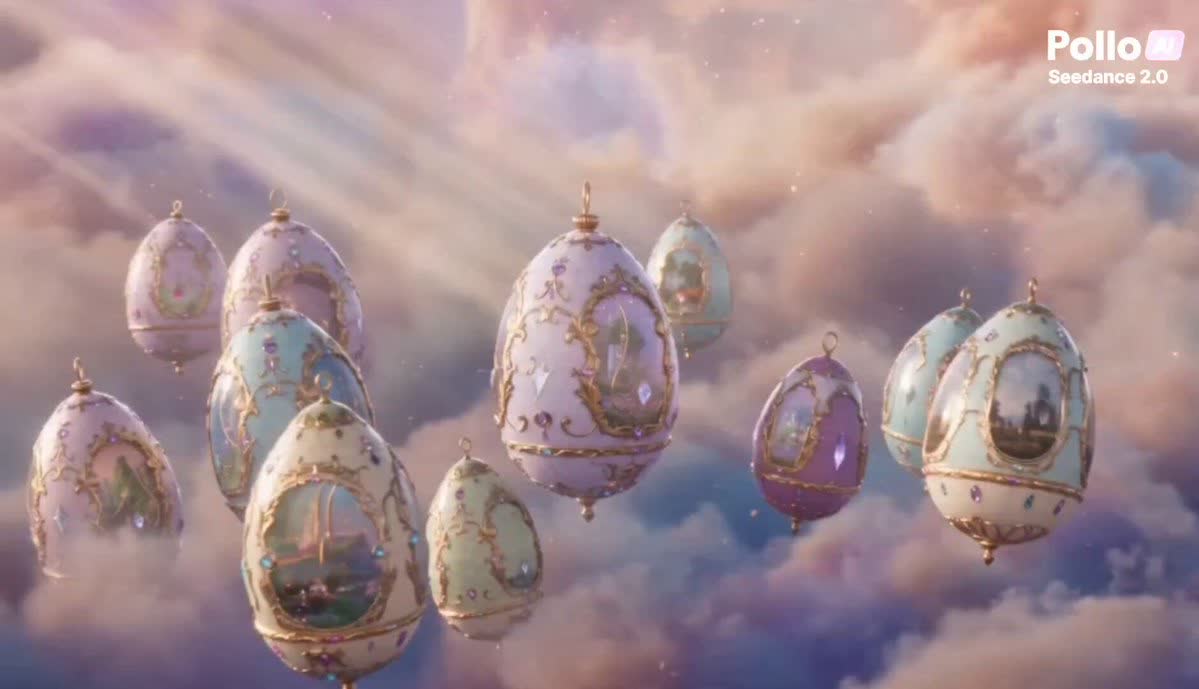
Open the full prompt, result, and source for this latest creative reference.
Open the full prompt, result, and source for this latest creative reference.
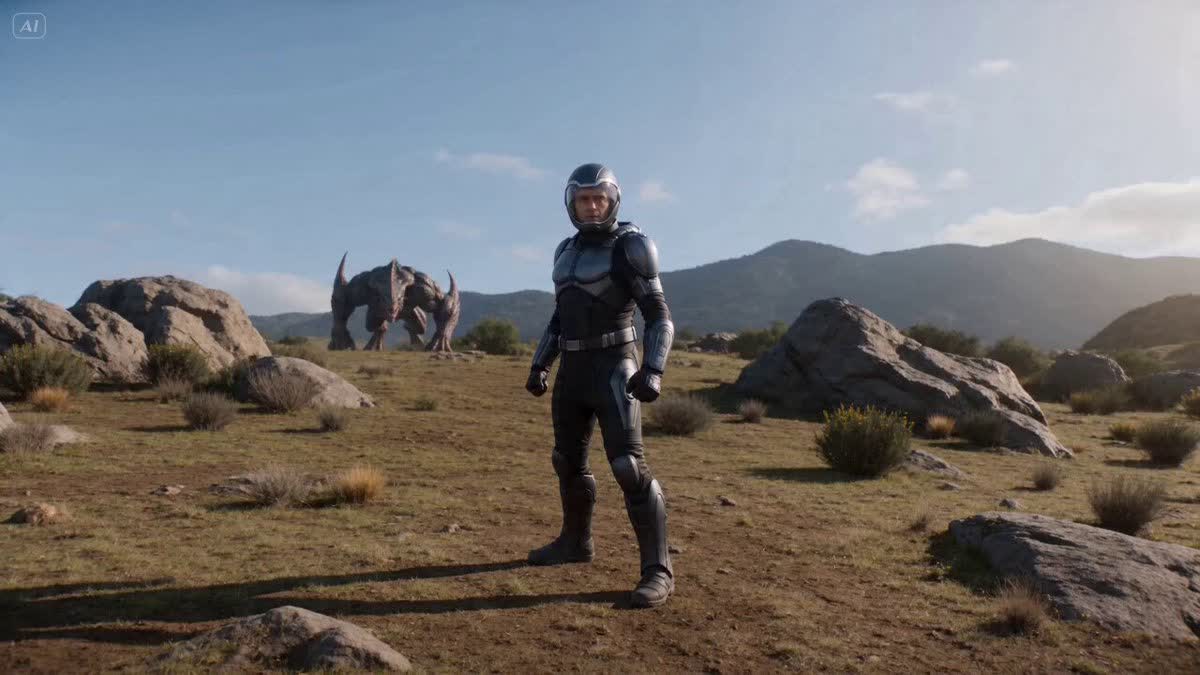
Open the full prompt, result, and source for this latest creative reference.
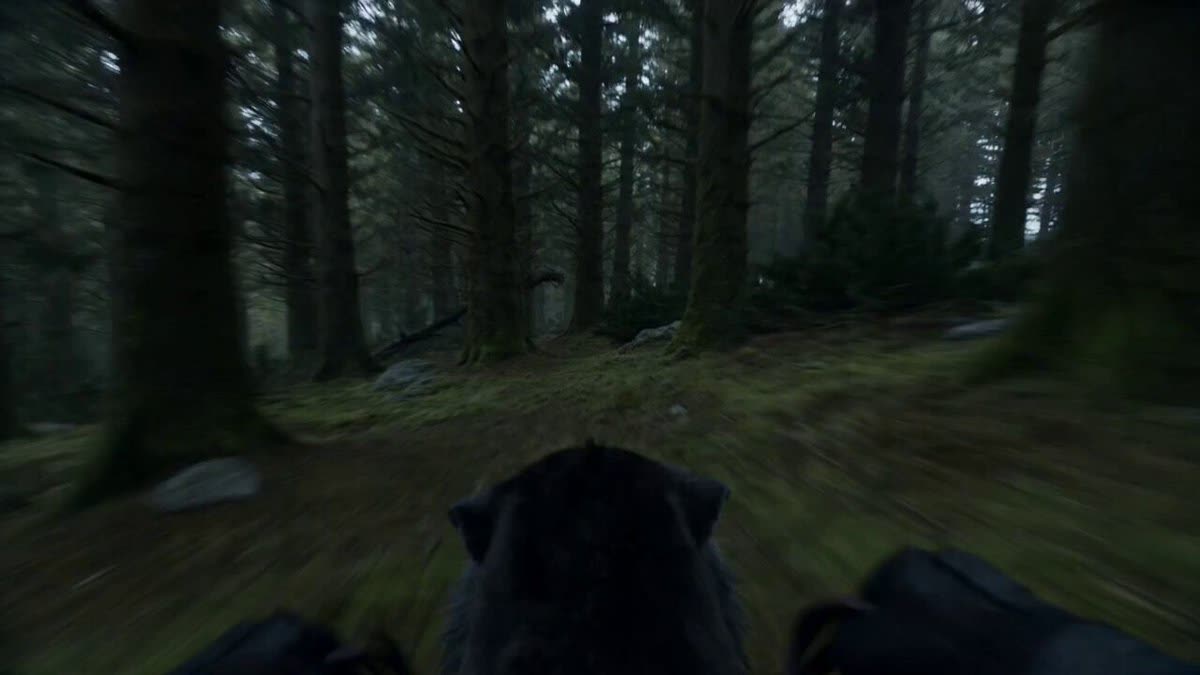
Open the full prompt, result, and source for this latest creative reference.
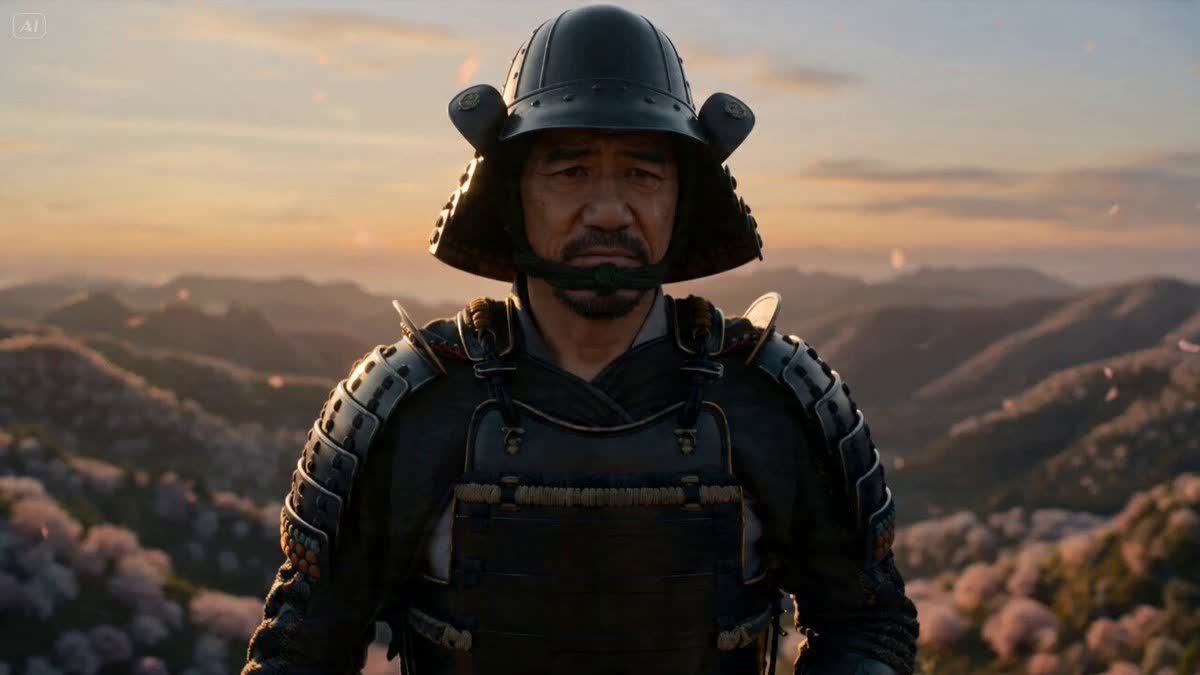
Open the full prompt, result, and source for this latest creative reference.
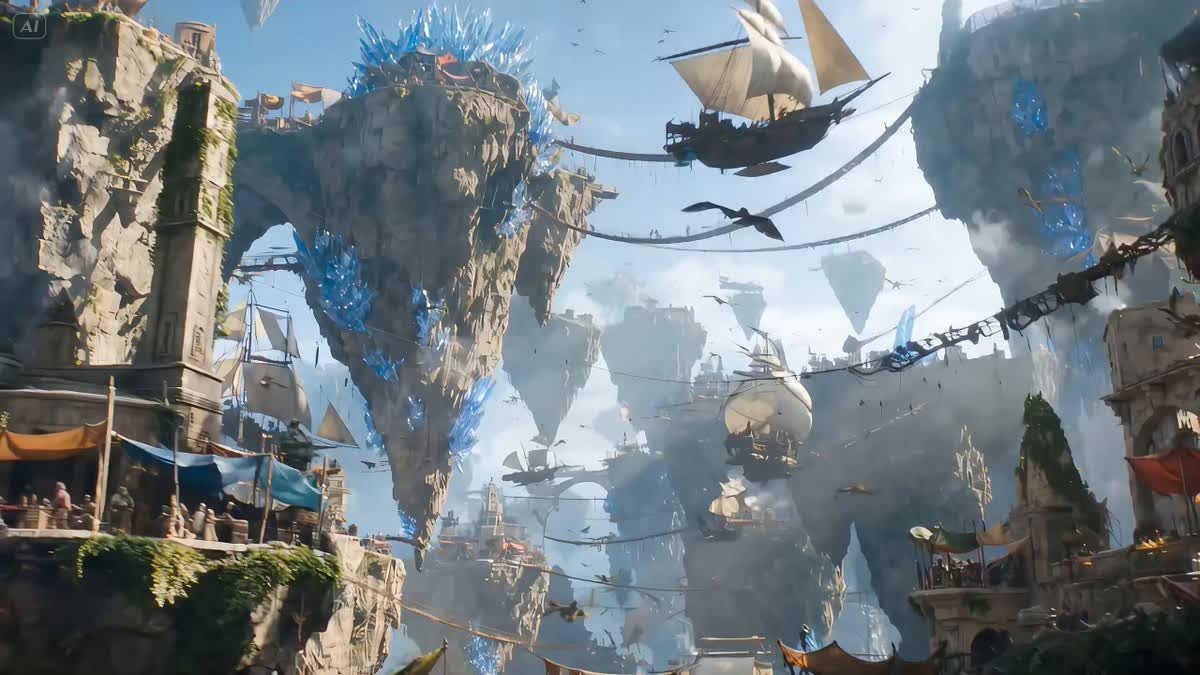
Open the full prompt, result, and source for this latest creative reference.
Seedance · Kling · Veo
Browse product films, character action, tracking, orbits, one-takes, transitions, and endpoint-frame examples. Watch the result, then open any shot that interests you for its full prompt.
See how products enter, turn, get used, and reveal details while the camera pushes, pauses, and ends.
Explore pushes, orbits, tracking, dives, FPV, one-takes, and other camera paths.
Watch timing, identity continuity, scene changes, and connections between opening and ending frames.
Model guide
Detail pages identify the actual original model. Before moving to another model, check its support for opening and ending frames, reference video, audio, duration, and format.
For text-to-video, image-to-video, reference video, product films, action, and camera moves.
Using a prompt
A video prompt describes more than a frame. It also carries action order, camera path, and the ending.
Check the subject, environment, initial position, direction, framing, and light.
Notice the order of actions and whether the camera pushes, follows, orbits, pans, or pulls back.
Look for final position, camera stop, appearance continuity, duration, speed, and constraints.
FAQ
Search product films, character action, tracking, orbits, transitions, endpoint frames, or models, or browse the clips and open anything that interests you.
Action order, camera path, and continuity directions can often transfer, but supported images, videos, audio, duration, format, and controls differ. The detail page identifies the actual original model.
It usually includes the subject, opening state, visible action, setting, camera movement, light, pacing, duration or format, final state, and constraints.
Keep subject and environment details fixed, limit the clip to a few continuous actions, use one main camera path, and define the ending. Avoid too many scene, wardrobe, and viewpoint changes at once.